All posts in “tech”

JBL Is Promising Virtually Unlimited Power For The Reflect Eternal Wireless Headphones

Audio enthusiasts will tell you that the best way to enjoy music is with a premium pair of wired headphones. However, these days, going all-wireless is the best way to go. Bluetooth technology gives users the freedom they have always dreamed off. No more tangled cords, restricted movement, and other similar hassles. Perhaps the most popular product right now hails from Apple. The AirPods and AirPods Pro are currently the best-selling true-wireless earphones. On the other hand, JBL might just have something that will give the competition a run for its money. The Reflect Eternal promises perpetual power.

While it sounds like a bold claim, this crowdfunding project is packing cutting-edge technology to make it reality. Since portable wireless audio products rely on an internal battery for power, it needs to be charged regularly. JBL on the other hand, is taking advantage of sustainable energy sources to keep the Reflect Eternal functional at all times. Apparently what makes this possible is the unique component that lies within the headband.

JBL is packing the Reflect Eternal with Exeger Powerfoyle technology. Unlike regular solar cells, it can draw energy from both natural and artificial light. For those who want the specifics, the ideal lux value should be around 50,000 for maximum efficiency. Nevertheless, it will still charge its batteries even with interior lighting sources. Wearing these headphones outdoors gives it virtually unlimited wireless playback. The manufacturer confirms that it will support popular voice assistants such as Amazon Alexa and Google Assistant. We want to see more products later on that will run on this cool eco-friendly technology.

Back this project here

Images courtesy of JBL

The Best Smartwatches of 2019

This definitive guide to the best smartwatches of 2019 explores everything you need to know before buying a smartwatch, including what to watch out for, as well as which is best for each type of person.

Prefer to skip directly to the picks? Click here.

Introduction

A smartwatch isn’t going to replace your smartphone. In fact, it’s more of a smartphone accessory these days. They have tiny screens and many of the apps you use every day — Instagram, Twitter, Facebook — don’t have smartwatch apps. Plus, most smartwatches don’t have LTE, meaning they can’t receive calls or texts when not tethered to your smartphone or connected to wi-fi. But smartwatches do have some advantages. They show you who’s calling, texting or emailing you without forcing you to look at your phone. They effectively replace your need for a dedicated fitness tracker. And some look pretty cool. Whatever your lifestyle and which smartphone you use, you’re bound to find something that suits you.

Not all smartwatches are the same, however. Most fall between a fitness tracker and something that relays smartphone notifications to your wrist. Some smartwatches can work untethered, completely autonomously from a smartphone — you can make calls, send texts and navigate directions, all while your smartphone is miles away. There are also hybrid smartwatches, made by mechanical watch manufacturers like Tag Heuer, Fossil and Withings, that have sensors to track fitness and traditional watch battery that lasts months.

Before pulling the trigger on an Apple Watch Series 5, or one of the new Android smartwatches made by Samsung or Huawei, do some research. Make sure it’s a smartwatch that’ll work to its full potential with your current smartphone and matches your budget and how you want to use it. If you work out a lot, get a fitness-focused smartwatch. If you go off the grid, get an LTE-connected one. Whatever your case, make sure you know the basics.

Before Buying, Here’s What to Know

3G, 4G, LTE, Bluetooth and Wi-Fi.  There are different ways a smartwatch can connect to a smartphone. A Bluetooth-enabled smartwatch pairs with a smartphone just like a Bluetooth speaker. It’s the most basic of connections and has the shortest range; if the smartphone and smartwatch are too far apart, the connection dies. Most smartwatches will connect to a known wi-fi network as well. When connected, the smartwatch can still receive notifications (calls, texts, emails) as long your smartphone has an active data connection.

3G and 4G describe generations of the cellular network technologies and their subsequent transmission speeds — basically, it’s how fast your smartwatch can load data. A smartwatch with built-in 4G is going to be faster than a smartwatch with built-in 3G. However, the difference between smartwatches with 3G and 4G will probably be nominal since neither will be running heavily data-driven apps.

Most smartwatches are available in LTE or cellular models, too. The main advantage of an LTE connected smartwatch is that it can work completely untethered from a smartphone. Since it has a built-in cellular radio, the smartwatch can place and receive phone calls and stream music independent of your phone. There are a few caveats, though. The battery life will likely be worse. The smartwatch will probably be bulky. And you’ll have to pay a monthly fee to add the smartwatch to your cellular plan. (Consult your cell carrier for exact info.) Plus, they just tend to be more expensive than regular “GPS only” models.

For more information on 4G LTE smartwatches, read Computerworld‘s ‘One more time: An LTE smartwatch is a stupid idea.’

Compatibility. Not all smartwatches are compatible with all smartphones. For example, the Apple Watch only works with an iPhone, and all smartwatches running Android 2.0 will work with any Android, via the Android Wear app, but not all iOS features will carry over and some of the apps work wonky together, such as iMessage and every Android messaging app. Basically, if you own an iPhone, I recommend getting an Apple Watch; and if you have an Android smartphone, get one of the numerous Android 2.0 offerings.

Heart rate sensor. Knowing your heart rate is the most important fitness metric — experts agree. The data, taken both during and after your workout, will help you achieve certain fitness goals. If you’re serious about working out or just improving your cardiovascular health, you want a smartwatch with a heart rate sensor.

Built-in GPS. This is still a rare feature in smartwatches and wearables in general. For fitness, the built-in GPS is able to track speed, distance and location, all of which can help calculate calories burned and determine the overall success of a workout. It can also help give you more accurate weather reports and navigation instructions if your smartphone isn’t nearby (and it won’t kill a lot of data). It’s mainly a tool to gauge fitness, however; like heart-rate sensors, it’s mainly for people into fitness.

Battery life. The main complaint with smartwatches is battery life. There are very few on the market that can last longer than 24 hours, so manage expectations. Most of today’s high-end smartwatches have a bright LCD screen or AMOLED displays, which are beautiful but tend to kill the battery. Basically, expect to take it off at night to charge.

The overall look and lifestyle. At the end of the day, a smartwatch isn’t just another device — it’s part of your wardrobe. You’re not going to put it away when you want, like your smartphone, so you should like the way it looks. Also, smartwatches come in all sorts of elegant or rugged options. If you want a more stylish option to match your silk shirt and selvage denim jeans, go for the LG Watch Style. If you plan on taking it to the beach or hiking, get a rugged and water-resistant model, like the Garmin Forerunner 235.

Buying Guide

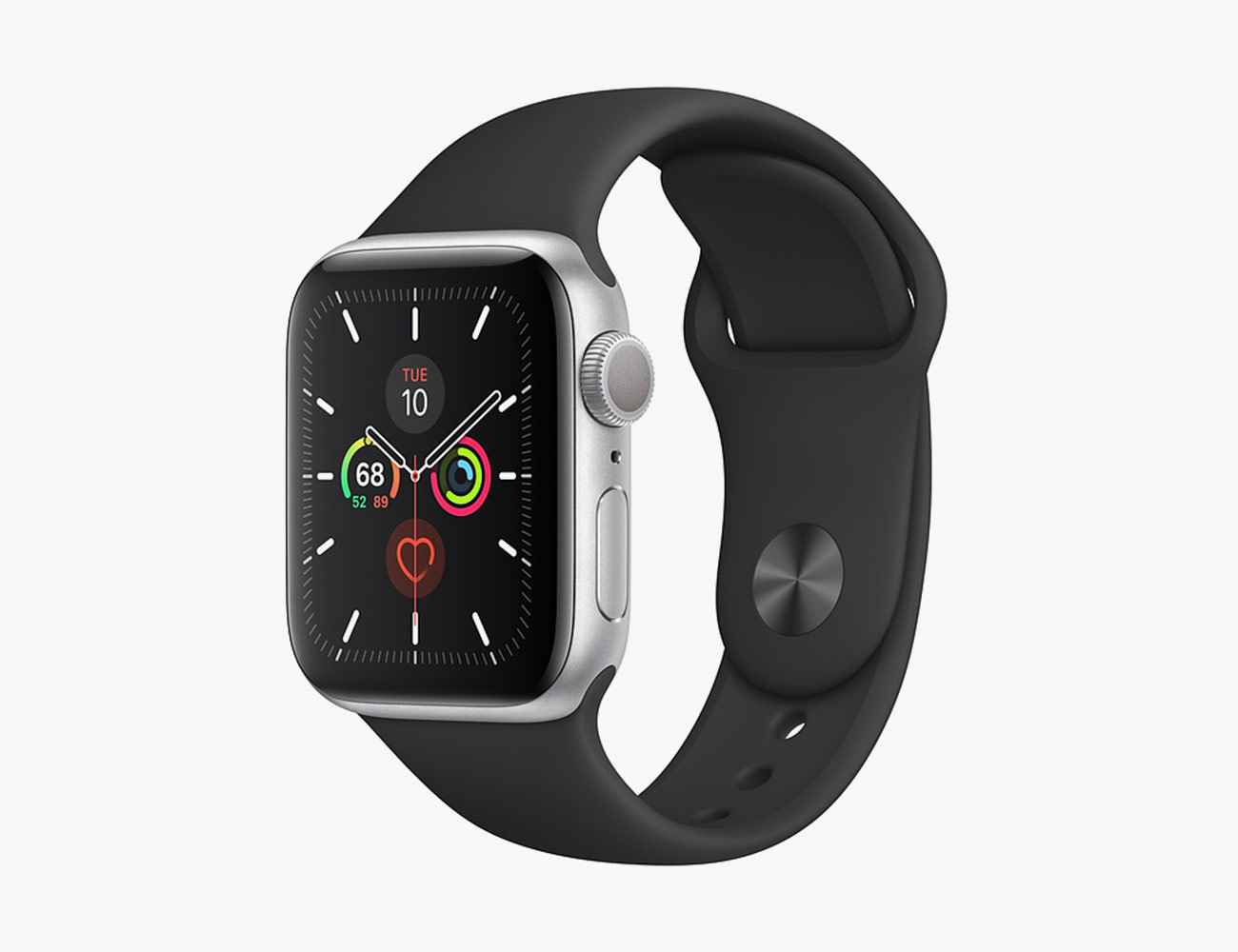
Best Overall: Apple Watch Series 5

The Good: The Series 5 is the best smartwatch that Apple has ever made and, per usual, it’s the best smartwatch for anybody with an iPhone. It’s the first Apple Watch to have an always-on display and it’s the first to be available in titanium (among other materials, such as aluminum, stainless steel and ceramic). It also has a brand-new compass sensor that allows it to give the wear a better directional sense just by looking down at the smartwatch (although the compass sensor only works with a few navigation and activity apps right now).

Watch Out For: The Series 5 isn’t actually that much of an improvement over the Series 4, which Apple has stopped selling. The two look almost identical and can basically do the same things. The difference, other than the standard next-generation upgrades (such as faster processor, new colors and materials), is that the Series 5 has a compass sensor, but it’s not a game-changer. Also, the Series 5 is still fairly expensive (especially if you want a ceramic or titanium model).

Key Specs

Size: 40mm or 44mm
Sensors: barometric altimeter, accelerometer, gyroscope, heart rate monitor, electrocardiogram (ECG), GPS, compass, LTE (optional)
Water resistance: up to 50 meters
Battery Life: up to 18 hours

| |

Best Android Smartwatch: Samsung Galaxy Watch Active 2
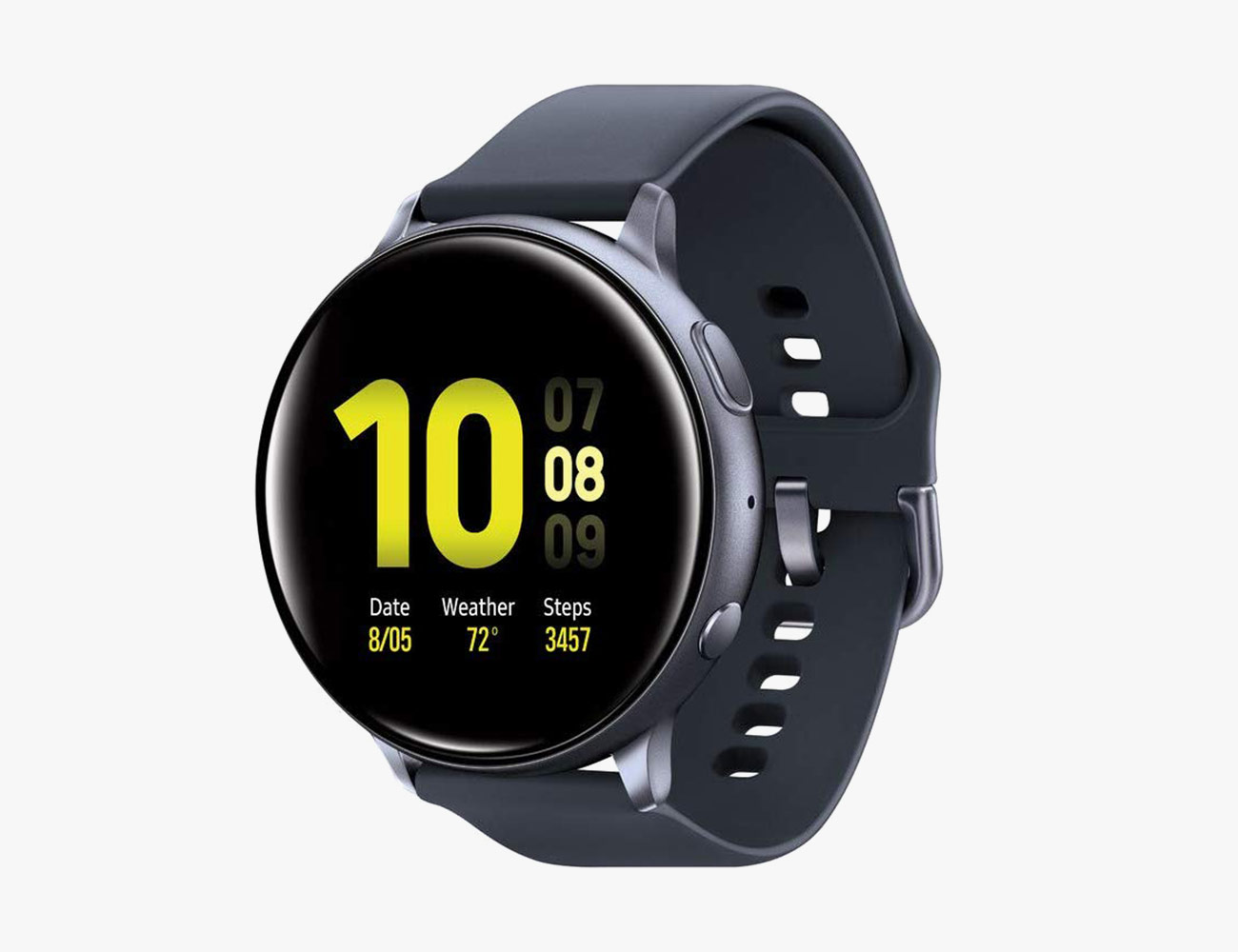
The Good: The Galaxy Watch Active 2 is arguably one of the prettiest smartwatches out there. It’s petite, round and has a beautiful and bright always-on OLED display. The big differentiator between it and its predecessor, the Galaxy Watch Active (which was released earlier in 2019), is that “version 2” has a touch-sensitive bezel making it much easier to use. It has a decent battery life and works with Spotify Offline (you can download playlists and listen to them without your smartphone nearby). It also has sleep-tracking features that Apple’s offerings lack. It works best with Samsung smartphones.

Watch Out For: If you own an iPhone, you should skip the Galaxy Watch Active 2 (even though it will technically still work with your iPhone) as it’s still dependent on many of Samsung’s proprietary apps. Its petite size might be a turnoff for guys (and girls) who like larger smartwatches. There’s no default navigation app and Bixby is the voice assistant that’s built into the smartwatch, which you probably won’t use.

Key Specs

Size: 40mm or 44mm
Sensors: accelerometer, barometer, gyroscope, heart-rate sensor, GPS, electrocardiogram (ECG), LTE (optional)
Water resistance: up to 50 meters
Battery Life: up to 18 hours

|

Best Android Smartwatch (Runner Up): Samsung Galaxy Watch
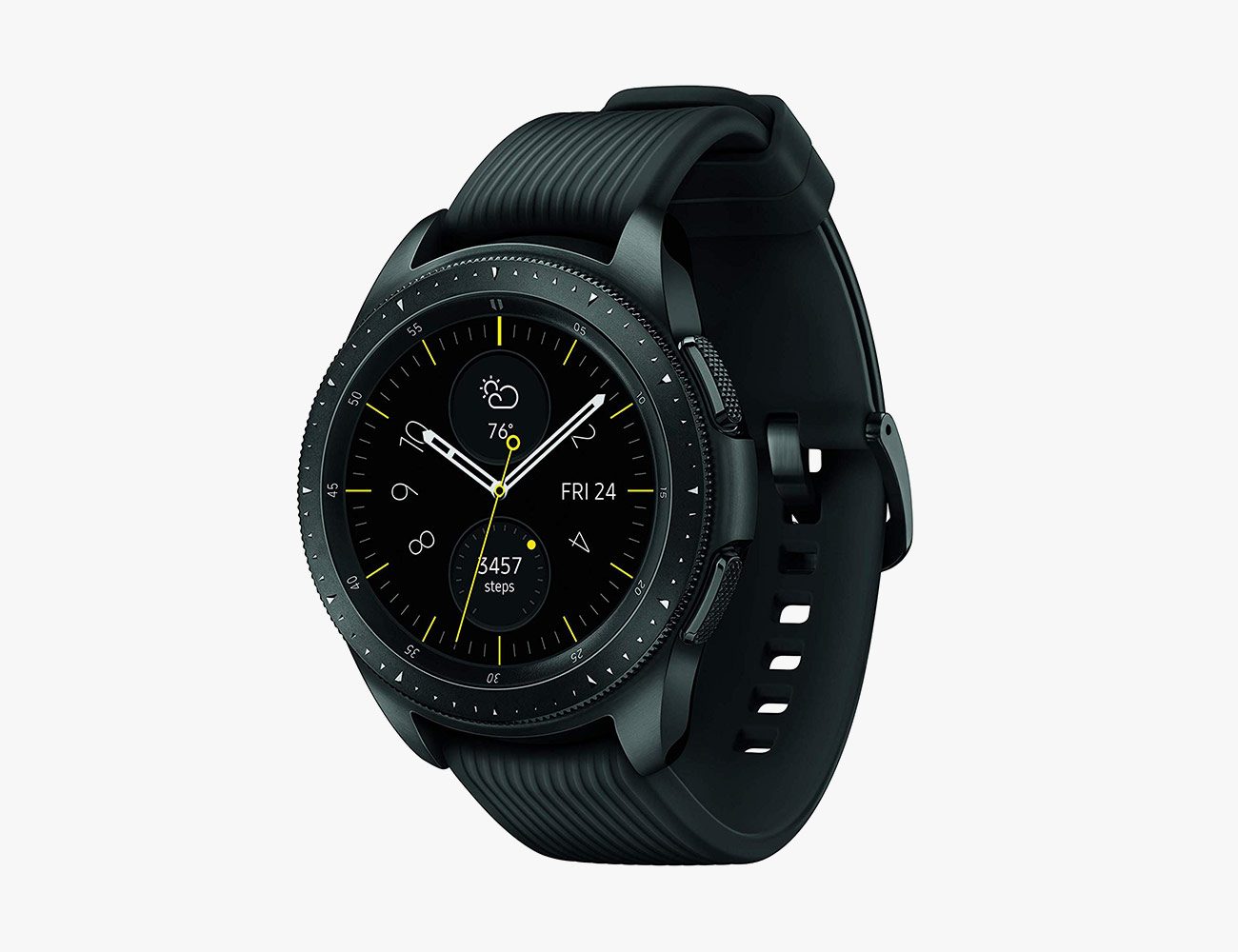
The Good: The Galaxy Watch is essentially a larger, more robust version of the company’s Galaxy Watch Active and Galaxy Watch Active 2, which a lot of guys will like. It has a rotating bezel, unlike smaller “Active” smartwatches, that makes navigating the smartwatch’s OS super easy. Plus, its larger size allow it to have a significantly larger battery. The 46mm model has a week-long battery, while the 42mm model gets up to four days, which is still over twice as long as Samsung’s other smartwatches.

Watch Out For: The Galaxy Watch is slightly older and thus has slightly older and its accelerometer, heart rate monitor and GPS sensors aren’t able to track the same level of workout metrics. It also lacks an electrocardiogram (ECG), which is used to detect an irregular heartbeat.

Key Specs

Size: 42mm or 46mm
Sensors: accelerometer, barometer, gyroscope, heart-rate sensor, GPS, LTE (optional)
Water resistance: up to 50 meters
Battery Life: up to 7 days

|

Best Budget Smartwatch: Apple Watch Series 3

The Good: If you own an iPhone, the Series 3 is the best entry-level smartwatch you can buy. It pairs seamlessly with your iPhone, showing you calls, emails and iMessages; and it’s an excellent fitness and ski tracker, too. It’s still available in an LTE model, meaning you can use apps, like Apple Maps or Apple Music, without having your iPhone nearby.

Watch Out For: The Series 3 doesn’t new, sexy look of the Series 5. It doesn’t have an always-on display. And it lacks the upgraded sensors and processing power of the Series 5, so it’s not quite as good of a health and fitness tracker. Apple Music is the only music app that allows you to listen to music offline.

Key Specs

Size: 38mm or 42mm
Sensors: barometric altimeter, accelerometer, gyroscope, heart rate monitor, GPS
Water resistance: up to 50 meters
Battery Life: up to 18 hours

|

Best Multi-Sport Smartwatch: Garmin Forerunner 945

The Good: Garmin’s Forerunner 945 offers most of the same fitness-focused features as the company’s even higher-end Fenix line of smartwatches. It lets you train for specific events, like a triathlon, where it can show your interval and transition times. It also works with most of the popular third-party products and apps, such as Final Surge and TrainingPeaks. Garmin partnered with Firstbeat, a company that specializes in physiology and heartbeat analytics, so the Forerunner 935 can give you deeper insights from your workout, such as your VO2 max and lactate threshold. Compared to its predecessor, the Forerunner 935, Garmin’s new running smartwatch has a significantly bigger battery, has enough built-in storage to hold 1,000 songs, and it supports full-color maps.

Watch Out For: It’s expensive. The smartwatch has a plastic construction, making it lightweight but also feels a little cheap. Won’t work as perfectly with your iPhone as an Apple Watch.

Key Specs

Size: 22mm
Sensors: accelerometer, gyroscope, altimeter, heart-rate sensor, compass, thermometer, GPS, pulse oximeter
Water resistance: up to 50 meters
Battery life: up to 36 hours using GPS and no music; up to 2 weeks just in smartwatch mode

Honorable Mention: Fitbit Versa 2

The Good: The Fitbit Versa 2 is a solid entry-level smartwatch for iPhone or Android users alike. It’s essentially an upgraded version of the original Versa, with a more simplified design, a better processor, a completely-new OLED display, and improved sleep tracking. It also works with Alexa, unlike the original Versa, so you can use your voice to do things like set alarms and control your other compatible smart home devices.

Watch Out For: The biggest downsides are that there’s no built-in GPS and there aren’t any LTE models — it still relies on having your smartphone nearby most of the time. With the lowered price of the Apple Watch Series 3, it’s actually pretty difficult to recommend the Versa 2 for people who have an iPhone. Also, there’s a lot of unknown surrounding Fitbit at the moment. Google recently acquired Fitbit and the next batch of Fitbit smartwatches will likely look very different and run Google’s Android Wear operating system.

Key Specs

Size: 36mm
Sensors: accelerometer, optical heart rate monitor, altimeter, ambient light sensor, NFC
Water resistance: up to 50 meters
Battery Life: up to 6 days; ~3 days with always-on display

|

How to Build a Smart Home the Easy (and Cheap) Way

So you want to build an entry-level smart home and you don’t want it to cost a fortune. Good news: that’s totally possible. The first thing you want to do is decide whether you want to have an Apple, Amazon or Google smart home — Siri, Alexa or Google Assistant?

There’s a good chance you already own a smart speaker. Roughly 25-percent of US households already do. If not, you’re probably already comfortable talking to a virtual assistant, so when it comes to deciding between Apple, Amazon or Google, there is probably already a way you are leaning. If not, then you’ve got the chance to make a big choice before you get started. Here are the reasons to choose Apple, Amazon, or Google, and the best entry-level devices to get you off the ground.

The Apple Smart Home

Apple’s smart home ecosystem has some pretty pronounced pros and cons. On the plus side, the HomePod and its assorted gadgets are uniquely suited to work well with other Apple products and services like your iPhone and Apple Music. Apple is also very committed to privacy in ways that its harder for data-slurping companies like Amazon and Google to be, even despite their promises. But Apple’s hardware is also on the more expensive side, and you basically need an iPhone to get the most out of the setup. All that said, Apple is a great choice for iOS die-hards, go figure.

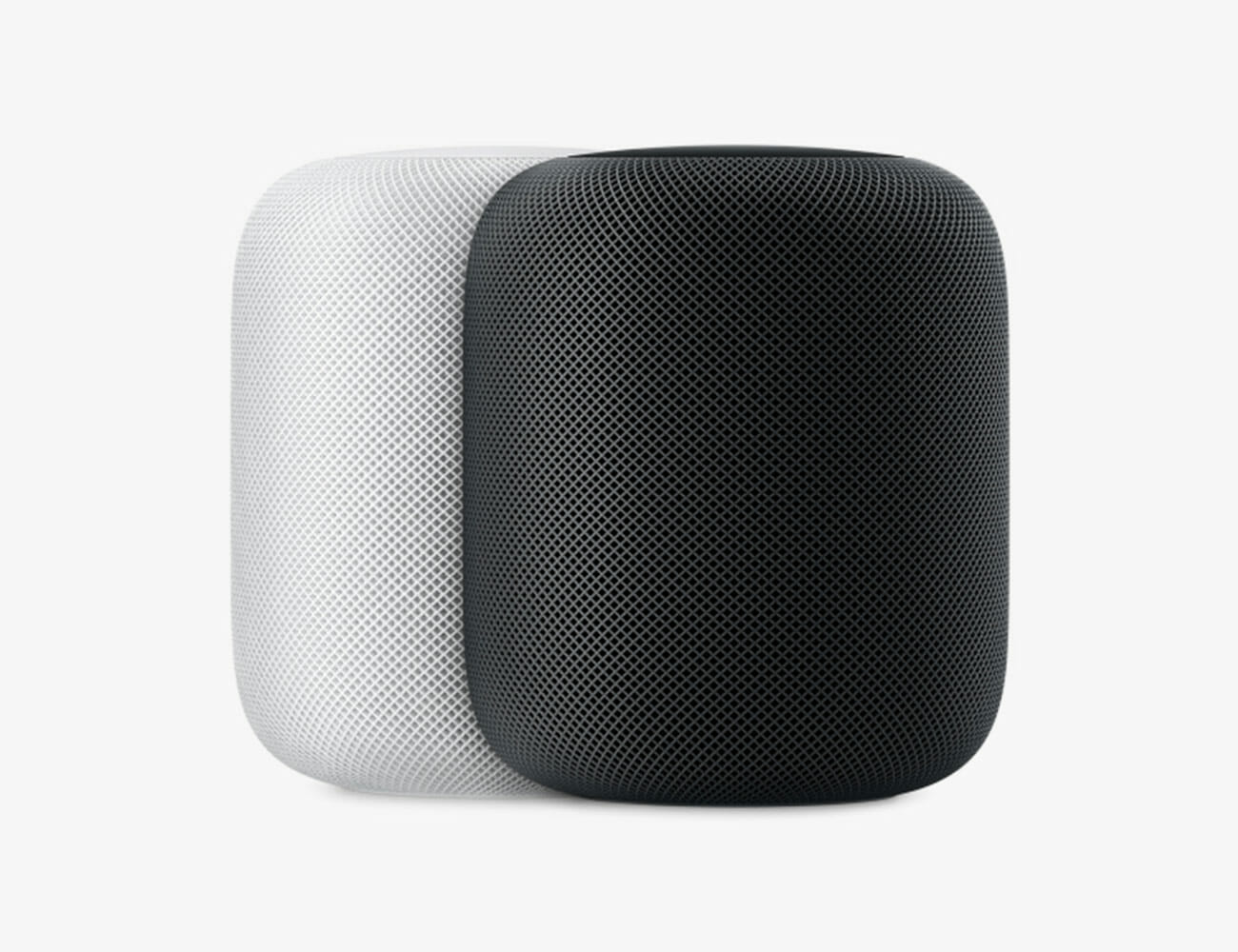
The Smart Speaker: Apple HomePod

The HomePod is still one of the best-sounding smart speakers you can buy. Apple was one of the first companies to bake an autotuning feature into a smart speaker; no matter where you place it, the HomePod will adjust its EQ settings so that it sounds the best that it can. The big catch with the HomePod is that in order to use one to its full potential, you really need to have an iPhone and be a subscriber to Apple Music. This is because the HomePod has some pretty neat iPhone-centric features that no other smart speaker has; you can send iMessages, make calls, handoff audio to and from the HomePod, and listen to voicemails, all with “Hey Siri” voice commands. And you need to be an Apple Music subscriber to summon music with your voice.

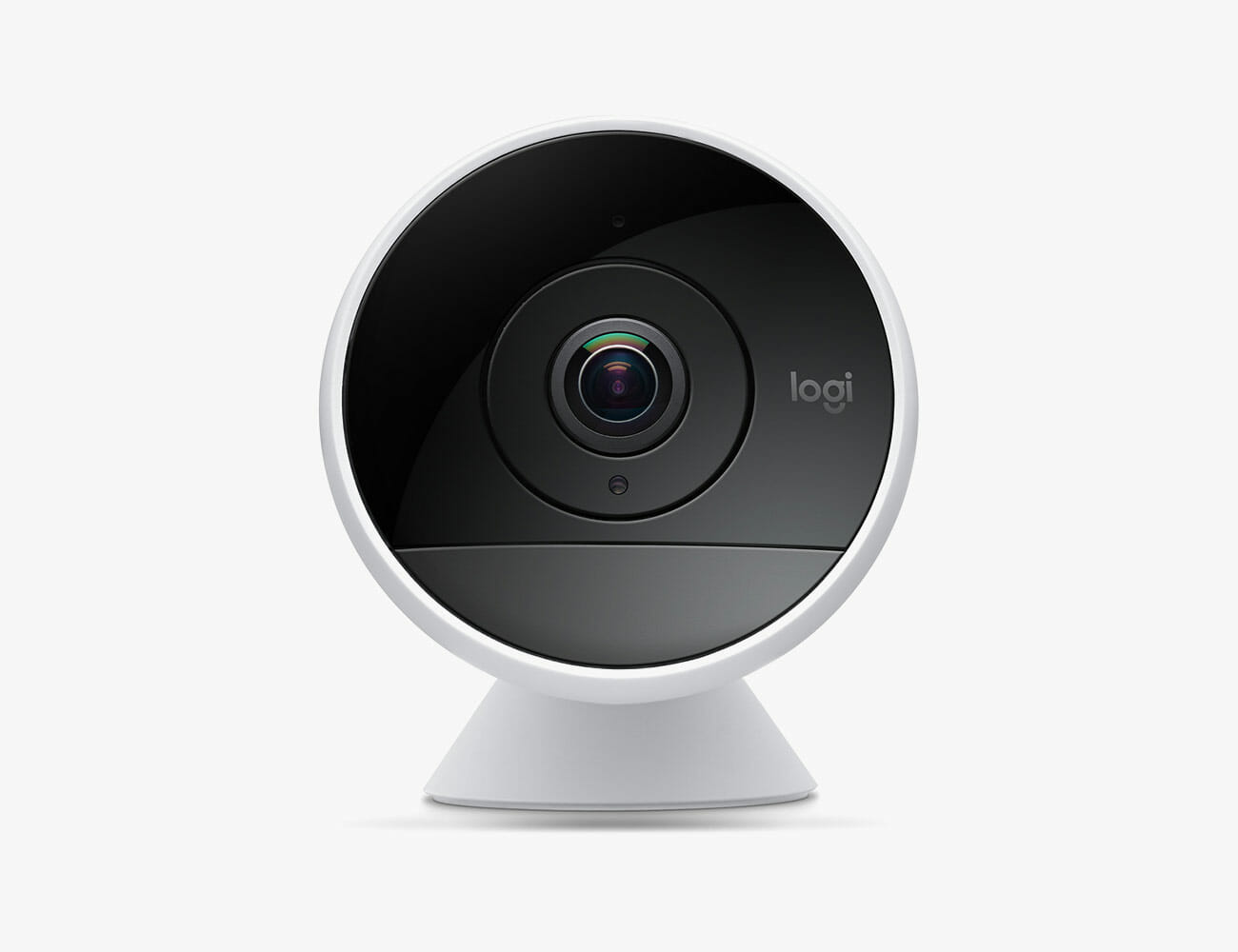
The Smart Home Camera: Logitech Circle 2

Most smart home cameras, somewhat surprisingly, aren’t compatible with Apple’s HomeKit. Of those that are, Logitech’s Circle 2 is the most popular. It can be set up indoors or outdoors (yes, it’s weatherproof), and you can swap out its traditional base with a wall/window mount. A little forewarning: the Circle 2 can be purchased in wired or wire-free models, but HomeKit only works with the wired model. This smart security camera is also compatible with Alexa and Google Assistant.

The Baby Monitor: Arlo Baby ($200)

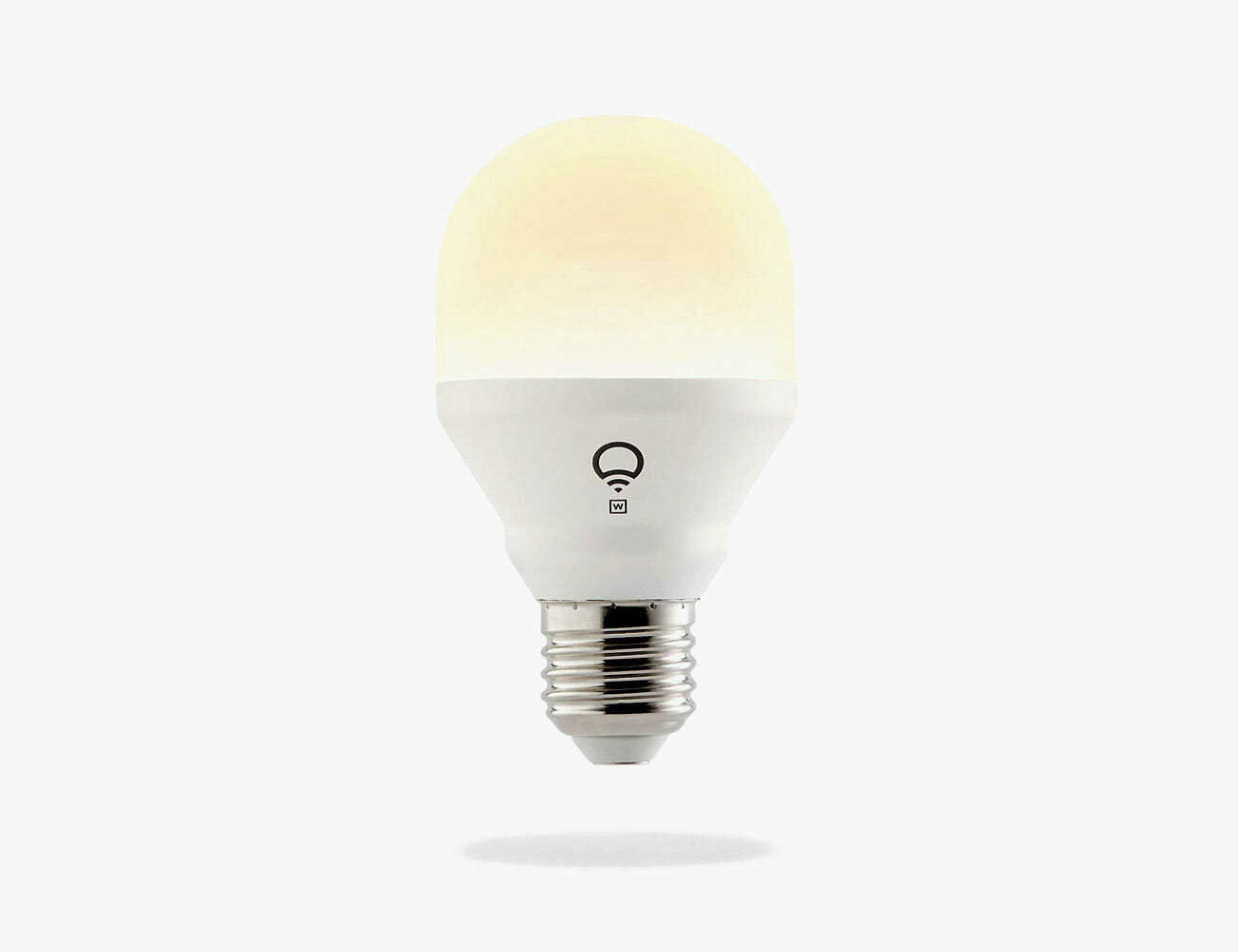
The Smart Light: LIFX Mini White

The LIFX Mini White is our favorite smart light that works with Apple HomeKit. At just $20, it’s one of the most affordable smart lights you can buy. And, because all of LIFX’s smart lights have built-in Wi-Fi, it’s really easy to install and setup — you don’t need to buy a separate smart home hub or bridge.

The Upgrade: LIFX Mini Color ($45)

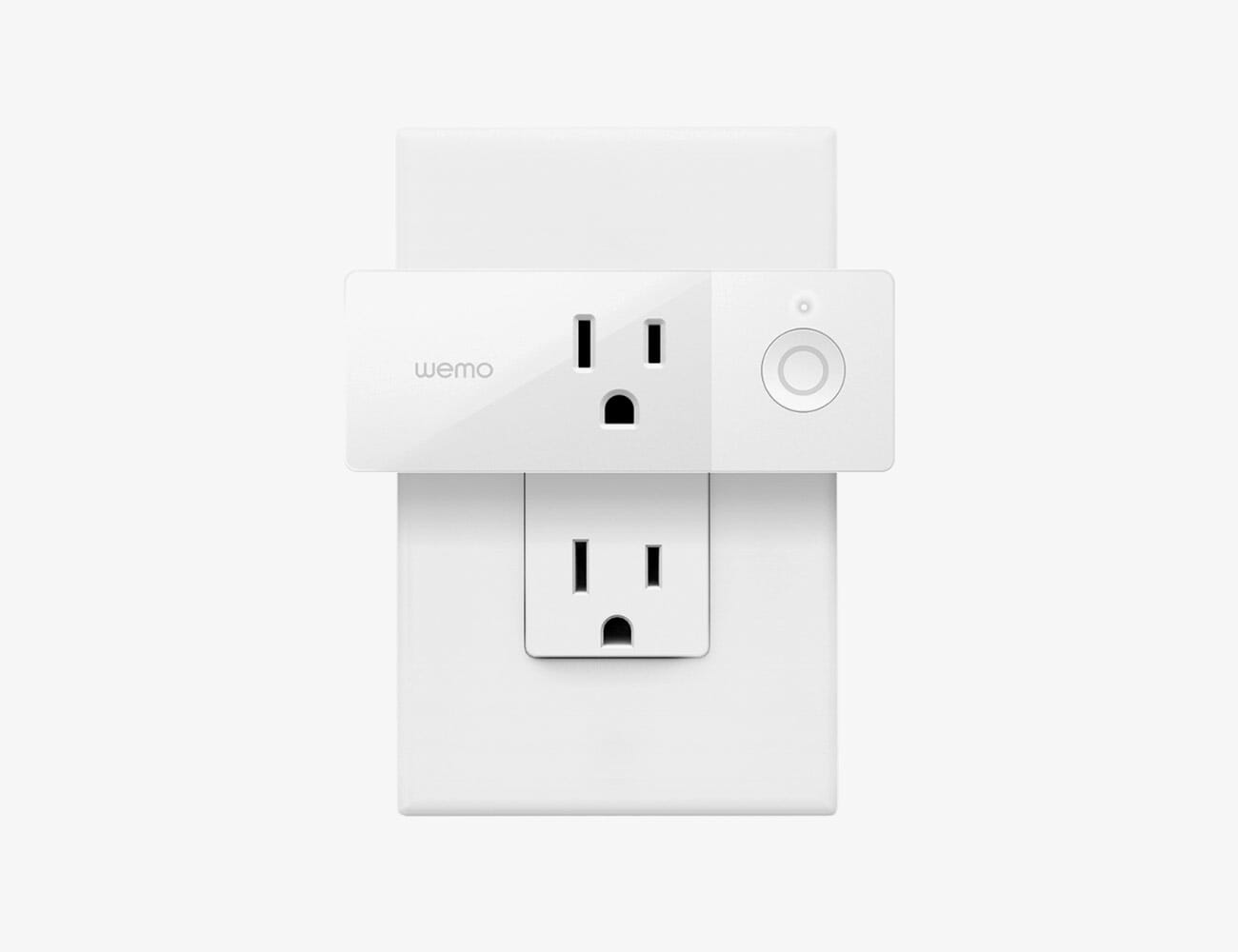
The Smart Plug: Wemo Mini Smart Plug

The Wemo Mini Smart Plug is a super-popular smart plug that is compatible with Apple HomeKit, Google Assistant and Amazon Alexa. From the perspective of an Apple smart home, this little plug is a great way to control various electronic devices — such as lamps, tabletop fans, diffuser, space heaters and A/C units — from your iPhone or iPad, or with even your voice. Using the Wemo mobile app, you can also set automatic schedules for various plugs to turn on and off.

The Upgrade: ConnectSense Smart Outlet 2 ($60)

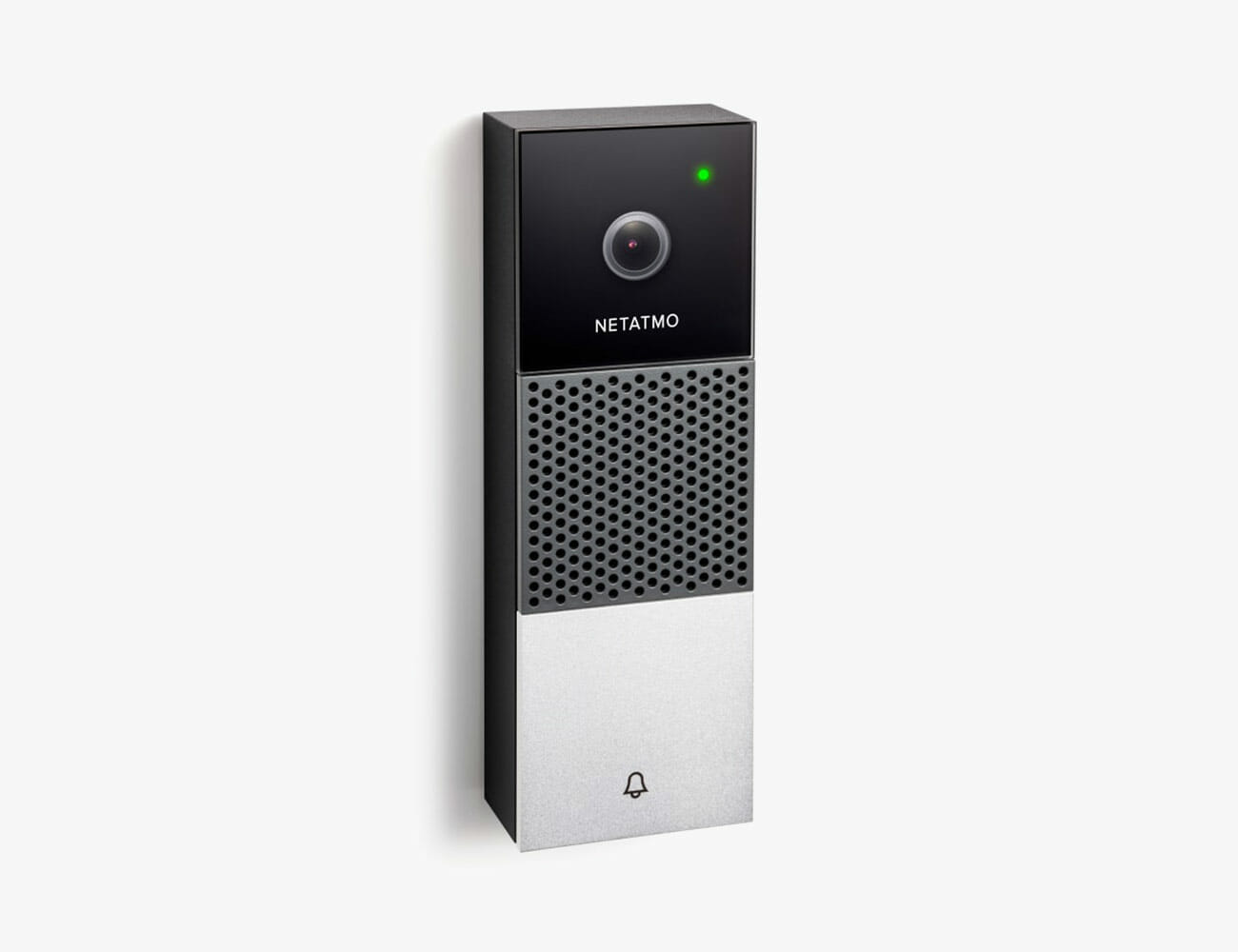
The Smart Doorbell: Netatmo Smart Video Doorbell

This is really the only smart video doorbell that’s currently compatible with Apple HomeKit and, unfortunately, it’s not actually available yet. Netatmo announced it last January and it’s expected to be released before the end of 2019. Like other video doorbells, it promises to give you 24/7 live feed of your door as well as send you smartphone notifications whenever somebody rings your doorbell.

The Google Smart Home

The biggest strength of a Google smart home is that Google’s Assistant is by far the smartest of the currently existing bunch with the ability to understand questions in context, process complex search queries, and more Google-service-related superpowers every day. Google’s ecosystem is a great pick if you’ll be relying on the assistant as much for question-and-answer work as you will be for home automation, or if you’re already deep in Google’s ecosystem in terms of using services like Calendar, or a Pixel phone.

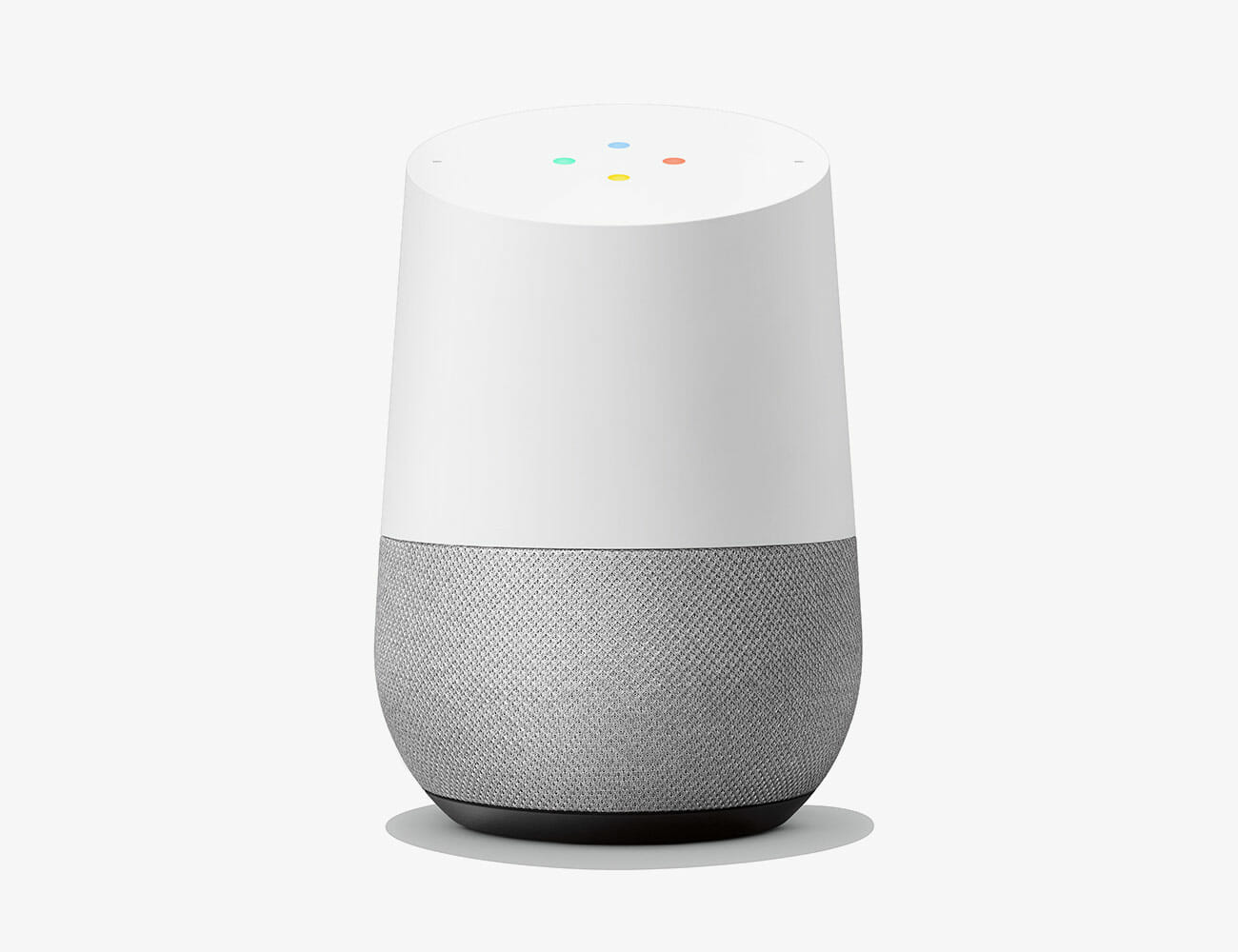
The Smart Speaker: Google Home

At around $100, the Google Home is a great middle-tier smart speaker. It sounds significantly better the the Nest Mini, Google’s new entry-level smart speaker, and it allows you summon music from most streaming services with your voice (the big absentee is, go figure, Apple Music). Maybe more importantly, it gives you a direct line of access to the smartest virtual assistant available today, Google Assistant.

The Upgrade: Sonos One ($169)

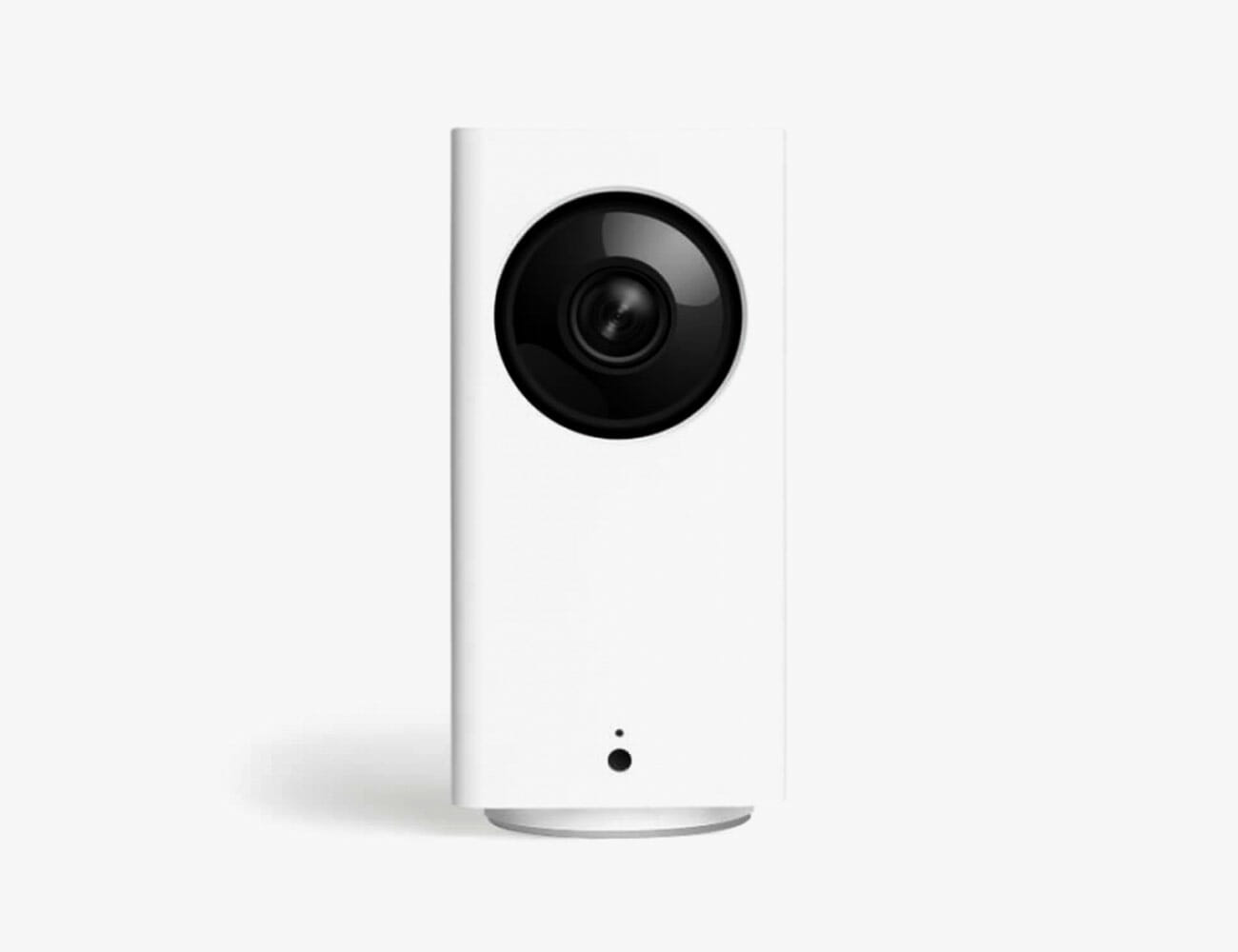
The Smart Home Camera: Wyze Cam Pan

What makes the Wyze Cam Pan really great is that, in addition to being pretty cheap, it’s one of the few smart cameras that allows you to “pan” and tilt the camera’s view from within the app. You don’t have to perfectly position the camera in just the right spot to see who is entering or leaving your house, or what the dog is doing, because within the app you can get the camera to rotate left and right 360 degrees, or tilt up or down. This camera also works with Amazon Alexa.

Affordable Option: Wyze Cam ($20), Nest Cam Indoor ($199)

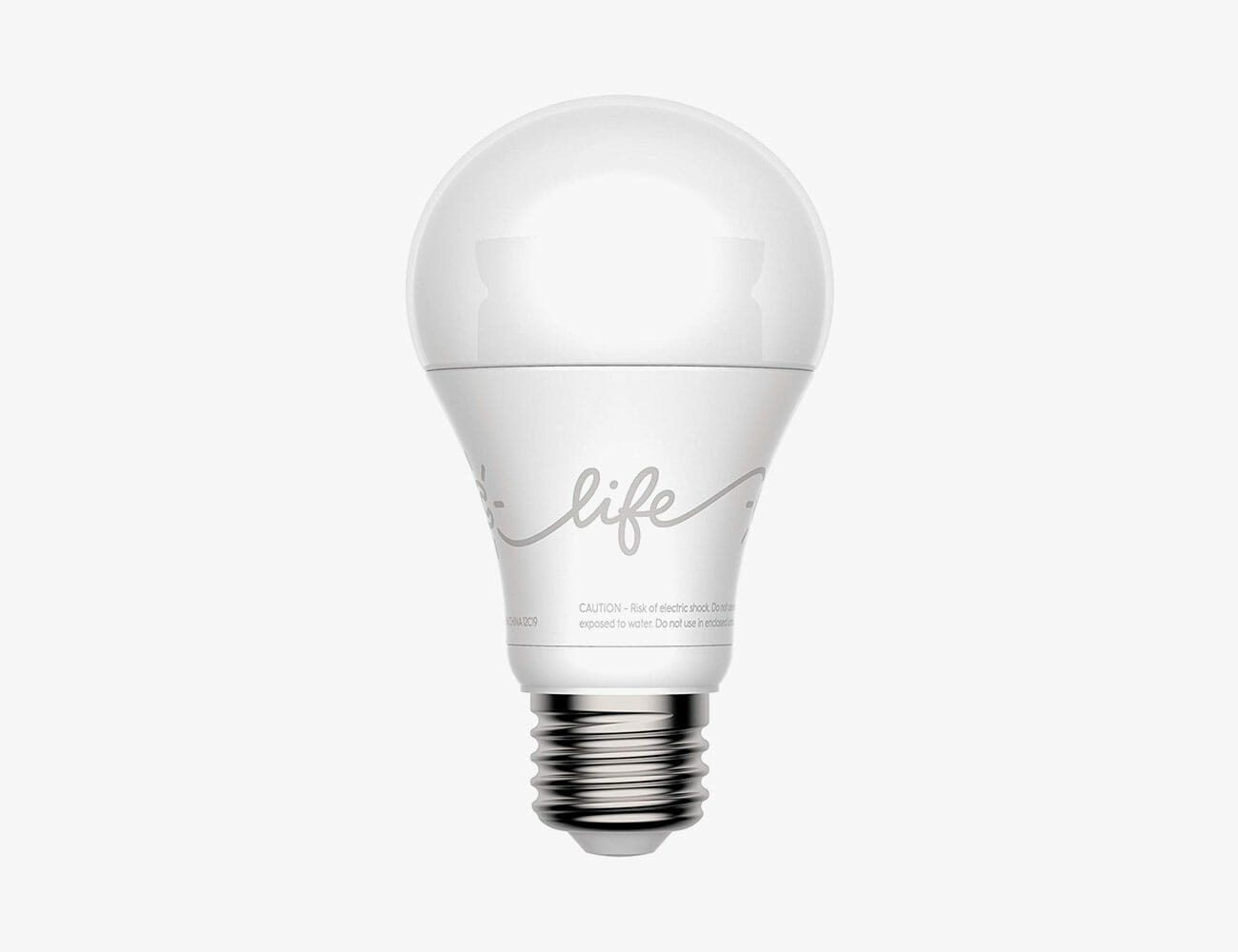
The Smart Light: GE-C Smart Bulb

GE’s smart bulbs are probably the best entry-level smart bulbs for a Google smart home as they work seamlessly with Google Assistant. In fact, Google actually sells smart light starter kits ($29) consisting of a GE-C Smart Bulb and a Google Home Mini.

Affordable Option: Wyze Bulb ($5)

The Smart Plug: Aukey Wi-Fi Smart Plug

Google doesn’t makes its own smart plugs, so you’re going to have to look to a third-party solution. These by Aukey are a great affordable option. They’re easy to setup and, afterward, you’ll be able to control your home appliances and electronics with your voice.

The Upgrade: Kasa Smart Wi-Fi Plug Mini ($15)

The Smart Doorbell: Nest Hello

The Nest Hello is probably your best bet when it comes to smart doorbells that work with Google Assistant. Google owns Nest, meaning this Nest device is going to be easiest to integrate into a Google smart home. It doesn’t hurt that this is also one of the best-reviewed smart doorbells you’ll find.

Affordable Option: Ring Video Doorbell 2 ($129)

The Amazon Smart Home

Amazon’s Echo speaker kicked off the smart speaker craze and, as a result, got in on the ground floor. A huge amount of products play nice with Amazon’s Alexa assistant. Alexa also has the distinction of being able to directly order things from Amazon, which makes this the obvious choice if you’re a Prime member and/or are constantly making orders. The downside? Alexa isn’t the smartest assistant of the bunch, but she’s excellent at her strength of navigating Amazon for you.

The Smart Speaker: Amazon Echo (3rd Gen)

Amazon’s third-generation Echo was released this past fall and delivers iterative upgrades over its predecessor. It sounds slight better and looks a little bit nicer. If you’re looking for Alexa smart speaker that’s affordable and is pretty good for listening to music, this is the perfect entry-level smart speaker.

The Upgrade: Sonos One ($169)

The Smart Home Camera: Ring Indoor Cam

Amazon owns Ring, so any of its smart home cameras are going to work seamlessly with the Alexa app. The Indoor Cam, specifically, is a great entry-level option because it’s super affordable and delivers many of the same features as Ring’s and Amazon’s more expensive smart cameras.

The Upgrade: Ring Stick Up Cam ($100)

The Smart Light: Wyze Bulb

At $5, you’re not going to find a cheaper smart bulb than the Wyze Bulb. The other cool thing about this bulb is that you can use “Alexa” voice commands to turn it on, per usual, but you can also adjust its brightness or color temperature, too.

The Upgrade: Philips Hue White and Color Ambiance ($200/4-pack)

The Smart Plug: Amazon Smart Plug

The Amazon Smart Plug is specifically designed for people who have an Alexa smart speaker in their house. You can plug a much of different things into this smart plug — lamps, Christmas lights, fans or a coffee maker — and you can then turn it on and off using Alexa voice commands.

The Upgrade: Koogeek 2-in-1 Smart Plug ($13)

The Smart Doorbell: Ring Video Doorbell 2

The big thing with Ring Video Doorbell 2 is that it uses a rechargeable battery, meaning there’s no wire work to worry about and it’s super easy to install. The Alexa integration is great especially for people who have one of Amazon’s smart displays, or a Fire TV, because you can summon a live 1080p feed on the screen with your voice whenever you want.

The Upgrade: Ring Doorbell Pro ($249)

Note: Purchasing products through our links may earn us a portion of the sale, which supports our editorial team’s mission. Learn more here.

Neuron Offers Modular Versatility With The T.ONE All-Electric Utility Vehicle

All-electric vehicles have been focusing on sedans, supercars, and the occasional SUV every once in a while. However, after the debut of the Tesla Cybertruck, it looks like there’s an upsurge in demand for zero-emission workhorses. While Elon Musk’s latest project is evidently futuristic, the aesthetics is not everyone’s cup of tea. Hence, competitors are now in full gear to deliver alternatives that will appeal to the masses. Neuron is a Los Angeles, California-based company that is stepping up the plate to give us something remarkable. The T.ONE certainly has the looks, but we want to find out if it has what it takes to back it up.

We love how Neuron is not going overboard with the design. It seems to be an adequate blend of modern with a just a splash of cutting-edge to its appearance. Nevertheless, the star of the show here is the modular nature of this vehicle. The company is marketing the T.ONE as an adaptable platform that will service whatever the buyer needs. Depending on your fancy, you can customize your EV exactly the way you want it.

So far, Neuron is providing some samples on their official webpage. We find it cool that the company can adjust the cab for three or four passengers (including the operator).  Meanwhile, you want to sacrifice some cargo space, the T.ONE can be modified to accommodate up to six people. Equally notable are the configurations available such as a van, truck, or as a hauler for gooseneck trailers. The company has yet to divulge more about its electric powertrain, mileage, and performance.

Customise your T.ONE here

Images courtesy of Neuron

Take a Wild Guess How Absurdly Expensive a Fully-Loaded Mac Pro Is

Today, after being pushed back from an ambiguous “Fall” release date, Apple’s brand new Mac Pro is finally available to order. We’ve known from the jump that it would be pricey–$5,999 to start, without so much as a monitor included. But now that the store is live we can finally find out how much the more overkill configurations costs and wooo boy.

Not every configuration is available for selection now. Notably the rack-mounted model (starting at $6,499 to the tower model’s $5,999), is not yet available. Neither is the option for an 8 TB SSD. But, configured to the highest possible loadout currently available at the time of this writing, you can pay a grand total of $53,247.98 if you want to. Here’s what you get for that total:

  • 2.5GHz 28?core Intel Xeon W processor, Turbo Boost up to 4.4GHz
  • 1.5TB (12x128GB) of DDR4 ECC memory
  • Two Radeon Pro Vega II Duo with 2x32GB of HBM2 memory each
  • 4TB SSD storage
  • Apple Afterburner card
  • Stainless steel frame with wheels
  • Magic Mouse 2 + Magic Trackpad 2
  • Magic Keyboard with Numeric Keypad – US English
  • Final Cut Pro X
  • Logic Pro X

Without the extra accessories and software, your total can be as low as $52,599.00. Truly, a bargain. Although if you want Pro Display XDR and stand to really trick out your total, expect to drop an additional $13,196.00.

The Best Holiday Gift Ideas for Men

A comprehensive roundup of our most-recommended gifts for everyone from the outdoorsman to the watch snob. Read the Story

Eric Limer is Gear Patrol’s tech editor. A resident of Weehawken, NJ, his current obsessions include mechanical keyboards, mechanical pencils and Formula 1.

More by elimer | Follow on Email
The Best Windows Alternatives to the MacBook

At the peak of Apple’s laptop dominance, its iconic “I’m a Mac, and I’m a PC” ads invited us to join Justin Long at the cool kids’ table and snicker at John Hodgman and other such bespectacled squares with their Windows devices. But a decade later, Hodgman is actually cool as hell and today’s top PCs absolutely rival Cupertino’s best offerings. In fact, today’s premium Windows laptops can also offer better value, more customization options, and a slew of useful ports that are the envy of many a Mac user.

I have been guzzling the Apple Kool-aid for years and years, but the differences between the two breeds has shrunk to little more than PCs’ gaudy Intel palm-rest stickers. Meanwhile, Microsoft’s continuing refinement of Windows 10 and ever-deeper interaction with the Xbox can make it an appealing switch for a certain breed of gamer.

For anyone in the market for a high-end laptop, or anyone like myself who is flirting with the notion of jumping ship, these five laptops deserve your attention. They come in a wide range of internal configurations, so obviously their specific performance will depend on how much money you invest in their innards.

HP Spectre x360 15t

The two-tone matte finish and glossy beveled edge combo of this Spectre is striking, but its design refinement also runs deep. The mitered back corners serve as an off-angle Thunderbolt 3 port on the right side and power button on the other. The hinges have just the right amount of stiffness and zero wobble through 360-degrees of motion. The quad speakers are tuned by Bang and Olufsen and they’re both powerful and immersive. I loved the touchscreen OLED display on the model I tested, and the flexibility to use it as a giant tablet or simply as a freestanding display sold me on the convertible concept. I also appreciate that the stylus pen is included.

The keyboard has excellent key travel, a dedicated numeric pad and a fingerprint reader, though I was less enthusiastic about the touchpad. While it’s understandably centered under the typing portion of the keyboard, when using only the touchpad to navigate a document or web page for long periods of time, I found that the ergonomics aren’t that great. The camera is Windows Hello ready for facial login and has a physical off switch to put your mind at ease when you’re not using it.

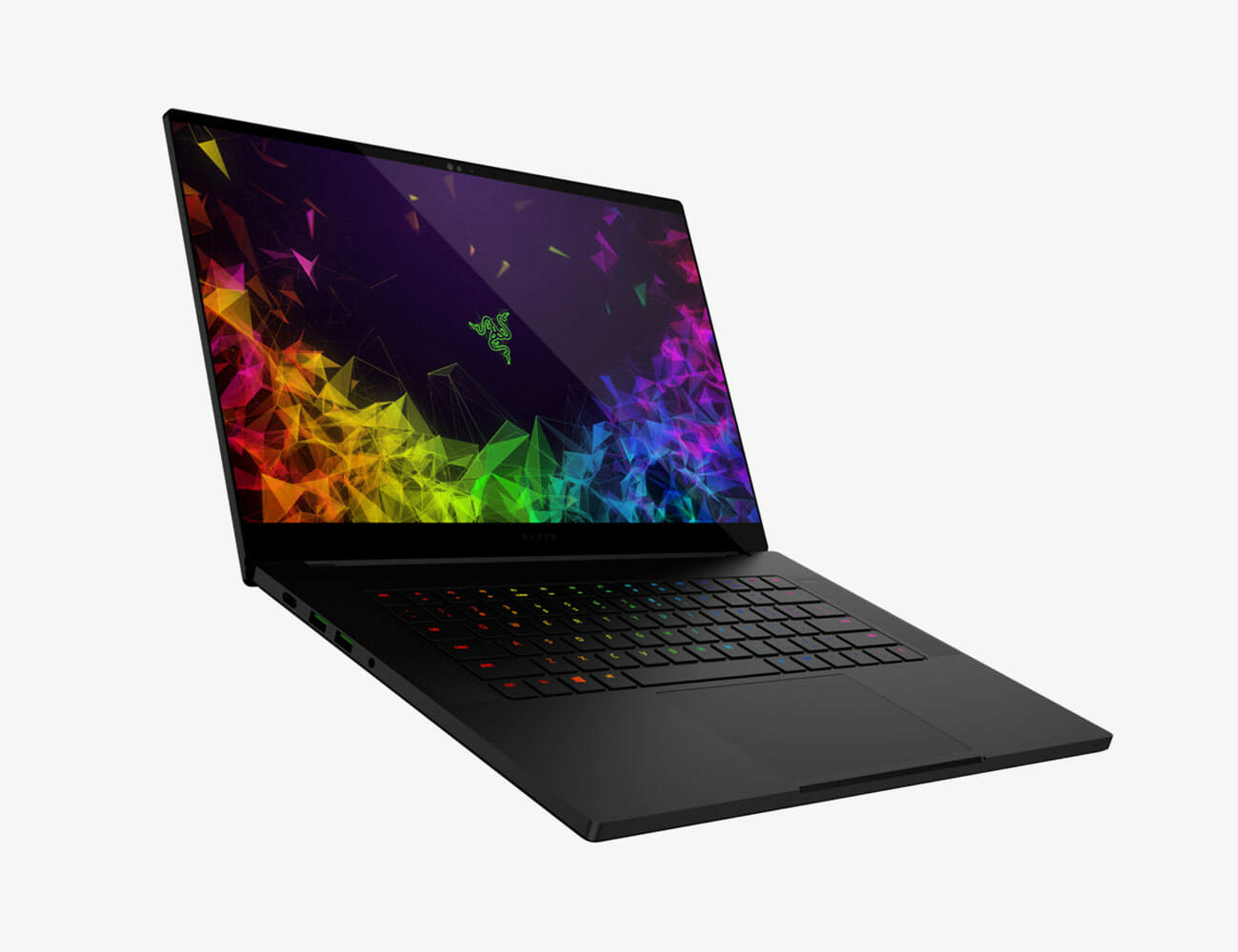
Razer Blade 15

The Blade 15 is a stunning slab of anodized black aluminum. The satin finish is stealthy and beautiful, and the sharp edges evoke weapons-grade precision. Razer calls it “the world’s smallest 15.6-inch display gaming laptop,” though it certainly feels substantial. The Advanced model that I tested had a nearly bezel-less 4k OLED touch display and an anti-ghosting optical keyboard that registers input instantly––ideal for gaming, but also a stellar for typing. As an extra little gimmick, each key can be assigned its own color backlight.

For heavy gaming, there’s an available vapor chamber cooling system: a vacuum-sealed copper chamber filled with deionized water that evaporates to dissipate heat, and the fans can be fully controlled manually. There’s no fingerprint reader, but the camera on the advanced model is Windows Hello compatible. The large glass touchpad was my favorite of all the machines on this list. My only gripe with the Blade is both minor and superficial: I wish there was a way to make the Monster-Energy-Drink-green serpent logo go away completely by turning off its light.

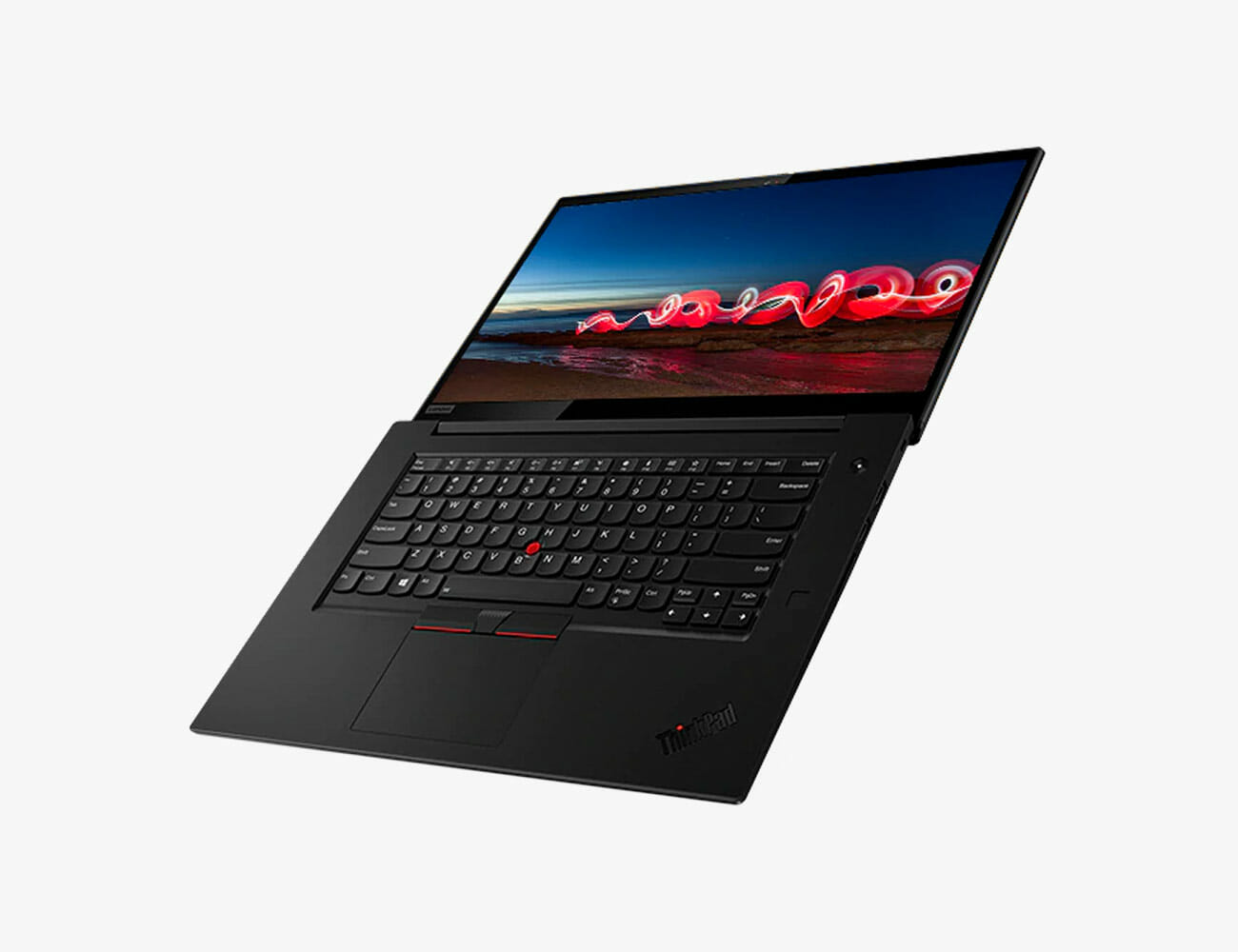
Lenovo X1 Extreme Gen 2

I dig the utilitarian look and feel of the X1 Extreme. It’s minimally adorned with a carbon fiber pattern on the top cover and a ThinkPad logo with a red light dotting the “I.” The 15.6-inch screen is available in FHD and touchscreen 4k OLED. The keyboard is spacious, and the keys have a plush 1.7mm of key travel that just makes you want to type all day on it. The matte black surface is a smudge magnet, but it’s very comfortable to carry and to work on.

There are two cameras on the top screen bezel: a 720p camera with a physical off switch, and a Windows Hello compatible IR camera––in case you prefer that to the fingerprint sensor for login. The 135-watt adapter can charge the battery by 80% in 30 minutes, and for power users, the X1 Extreme can support up to 4 monitors. There’s a red rubber TrackPoint in the lower center of the keyboard if that floats your boat, but it doesn’t get in the way if you choose to ignore it. The speakers on this laptop are so good that I actually used this laptop one night in a pinch as my sole source of music for a dinner party.

Dell XPS 15

Dell’s XPS series has long been a gold standard for premium laptops, and no Macbook alternative list would be complete without it. The machined aluminum top and bottom covers are very Macbook Pro-like, and the carbon fiber palm rest is comfortable and cool-looking, albeit smudge-prone. There is a fingerprint reader integrated into the power button, and the battery life is solid.

The 15.6-inch 4K ultra HD OLED display on the model I tested was stunning; a very bright 500 nits, with an anti-reflective coating delivering low glare and a glossy finish. The XPS has your USB, HDMI, and Thunderbolt 3 ports covered, as well as an SD card slot, and the large touchpad is very responsive. This is the sum of many XPS iterations and in every way––from the smooth performance to the firm hinge, precision-cut vents, and slim screen bevels––it feels dialed in and perfected.

LG Gram 17

The first thing you notice about the Gram is its lightness. At 2.95 pounds, it does not feel nearly as heavy as you would probably expect. I also found it to feel a little less “premium” at first encounter because of the lack of heft, but that feeling went away quickly after I started using it. The metal alloy frame (nanocarbon and magnesium, according to LG) does feel quite thin compared to the others on the list, but it’s also lighter than the others while delivering two extra inches of screen real estate, which brings me to the second thing to notice about the Gram: the 17-inch 2560×1600 LCD display with plenty of room for all your tabs and windows. For a laptop it looks downright IMAX-sized from a foot away.

A fingerprint reader is integrated in the power button, and the palm rests and keyboard are very spacious. Like the Spectre’s touchpad, the Gram’s is left of center to adjust for the dedicated numeric pad on the right side of the keyboard. But because it’s a larger touchpad you don’t notice that while surfing the web. An added bonus for portability is the extremely compact power adapter. My only caveat for the Gram is that the speakers aren’t great performers.

Note: Purchasing products through our links may earn us a portion of the sale, which supports our editorial team’s mission. Learn more here.

The 10 Best Tech Products of 2019

This story is part of the GP100, our annual roundup of the best products of the year. To see the full list of winners, grab the latest issue of Gear Patrol Magazine.

Like a shark, technology always moves forward, but who said anything about a straight line? This year has been full of twists and turns that illustrate how true innovation sprouts in unexpected directions. From Google’s $400 phone that redefines the category on price as much as features to Apple’s triumphant resurrection of the long-lost rectangular desktop computer, the year has been replete with refinement and revitalization. Inventing the future is only half the battle. After that, you’ve got to get it right.

Products are listed alphabetically.

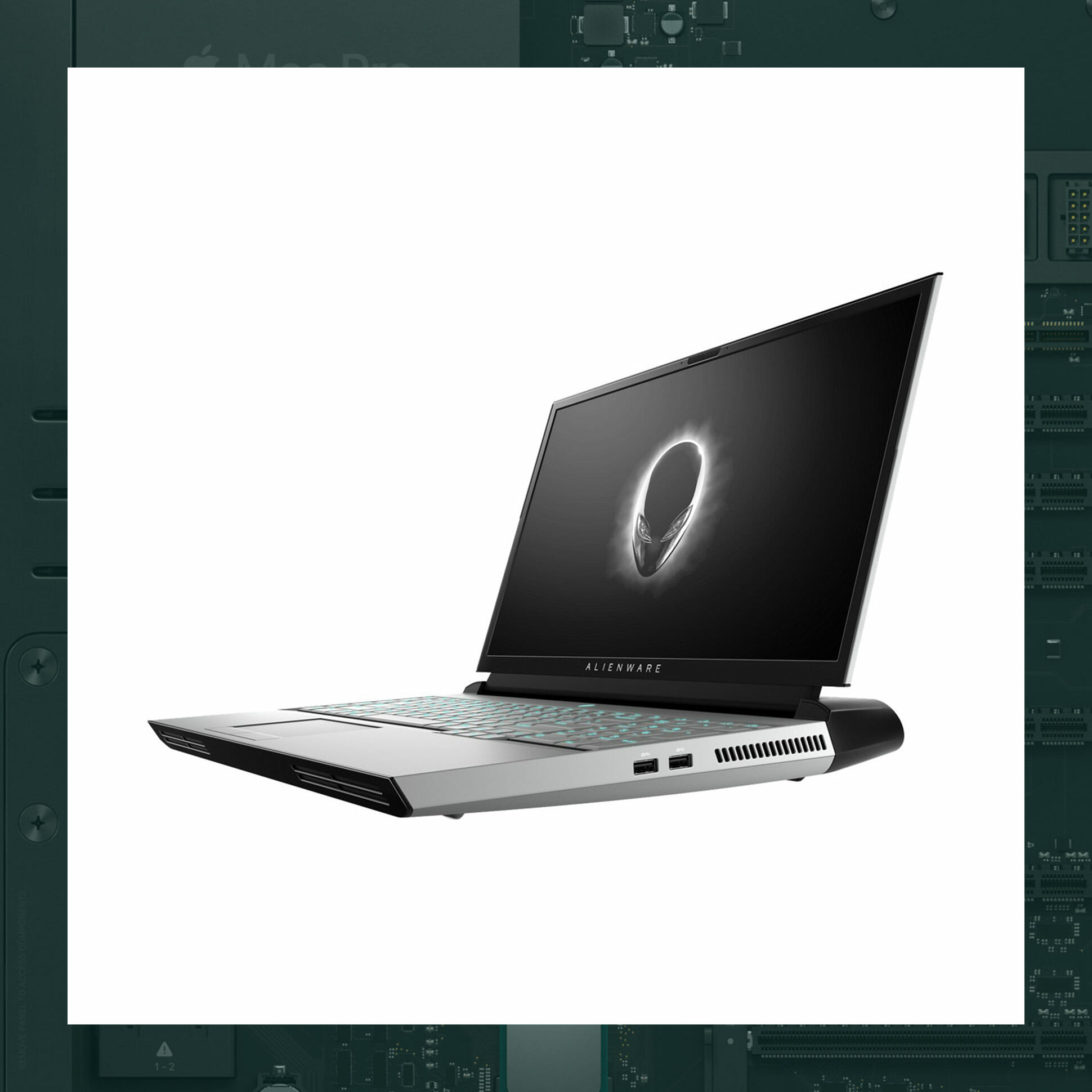
Alienware Area 51m Laptop

Laptops are growing thinner by the minute, which is great for throwing them in your backpack, but has effectively set their specs in stone. Alienware’s beefy Area-51m laptop valiantly swims against the current with its 17-inch screen and 1.2-inch-thick body that provides a unique superpower: this eminently upgradable beast lets you swap out your RAM, CPU and even GPU with ease. Yes, it’s more suitable for a suitcase than a briefcase, but this is the rare laptop you’ll be able to use for a decade.

Maximum Processor: 9th Generation Intel Core i9-9900K (8-Core, 16MB Cache)
Maximum Graphics: NVIDIA GeForce RTX 2080 8GB GDDR6
Maximum RAM: 64GB, 4x16GB, DDR4 2400MHz
Price: $2,000

Further Reading
How to Buy a Mechanical Keyboard, For Gaming and Beyond

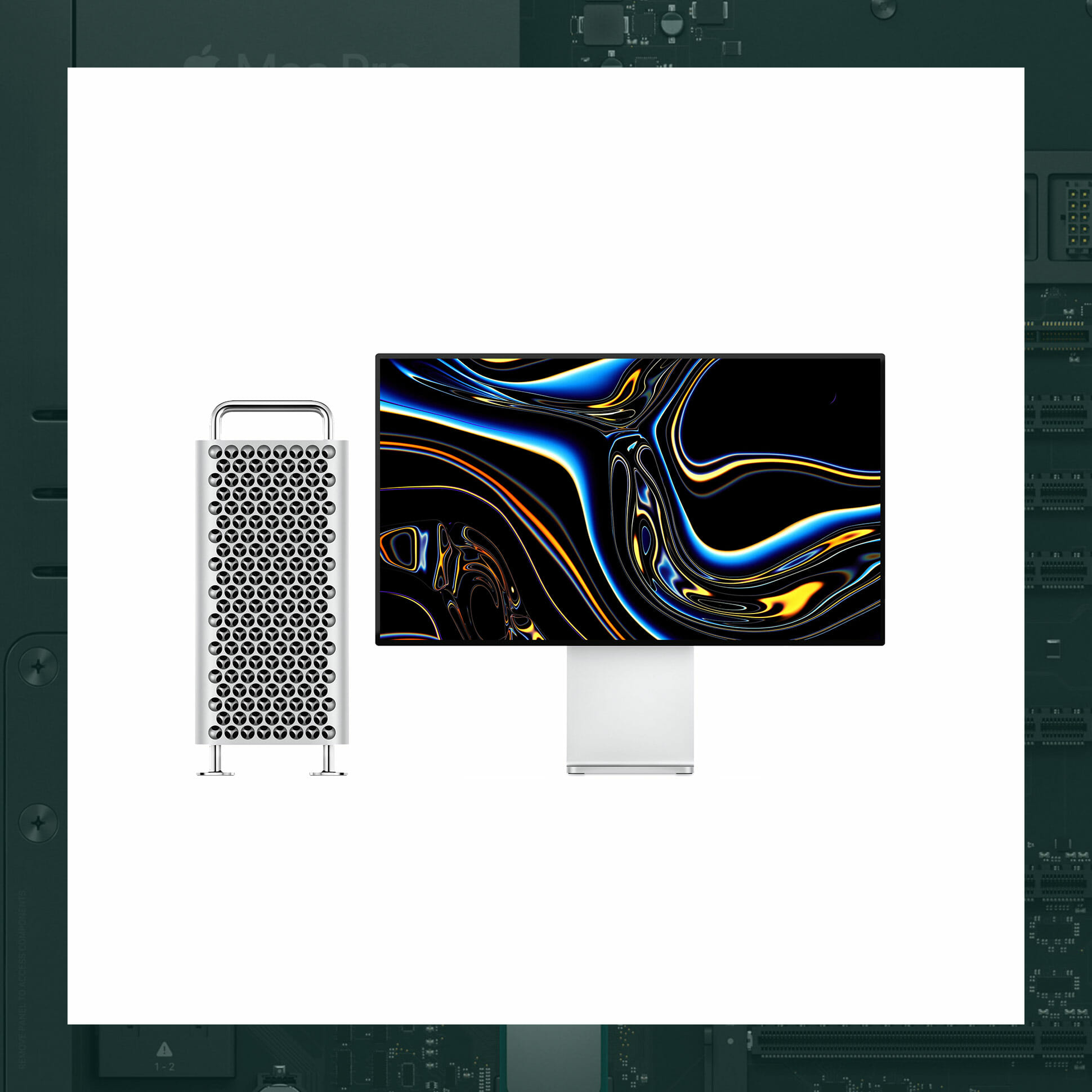
Apple Mac Pro

Despite ludicrous powerhouse specs, like 28 CPU cores, 1.5TB of RAM and a whole mess of GPUs, Apple’s newest Mac Pro is arguably a masterclass in restraint. Unlike the 2013 “trash can” design that saw fit to fix what wasn’t broken, Apple’s latest overkill computer harkens back to the modular, rectangular retro-chic form of the mid-2000s for an exceedingly good reason: it just works.

Maximum Storage Capacity: 4 TB
Shape: Rectangular
Maximum GPU: 2x Radeon Pro Vega II Duo + Afterburner accelerator card
Price: 5,999+

Further Reading
The Most Ludicrous Specs of the Overkill Mac Pro
Apple’s Line of New Pro Products, Ranked by Pro-Ness

Watch Now: The 10 Best Technology Products of 2019

[embedded content]

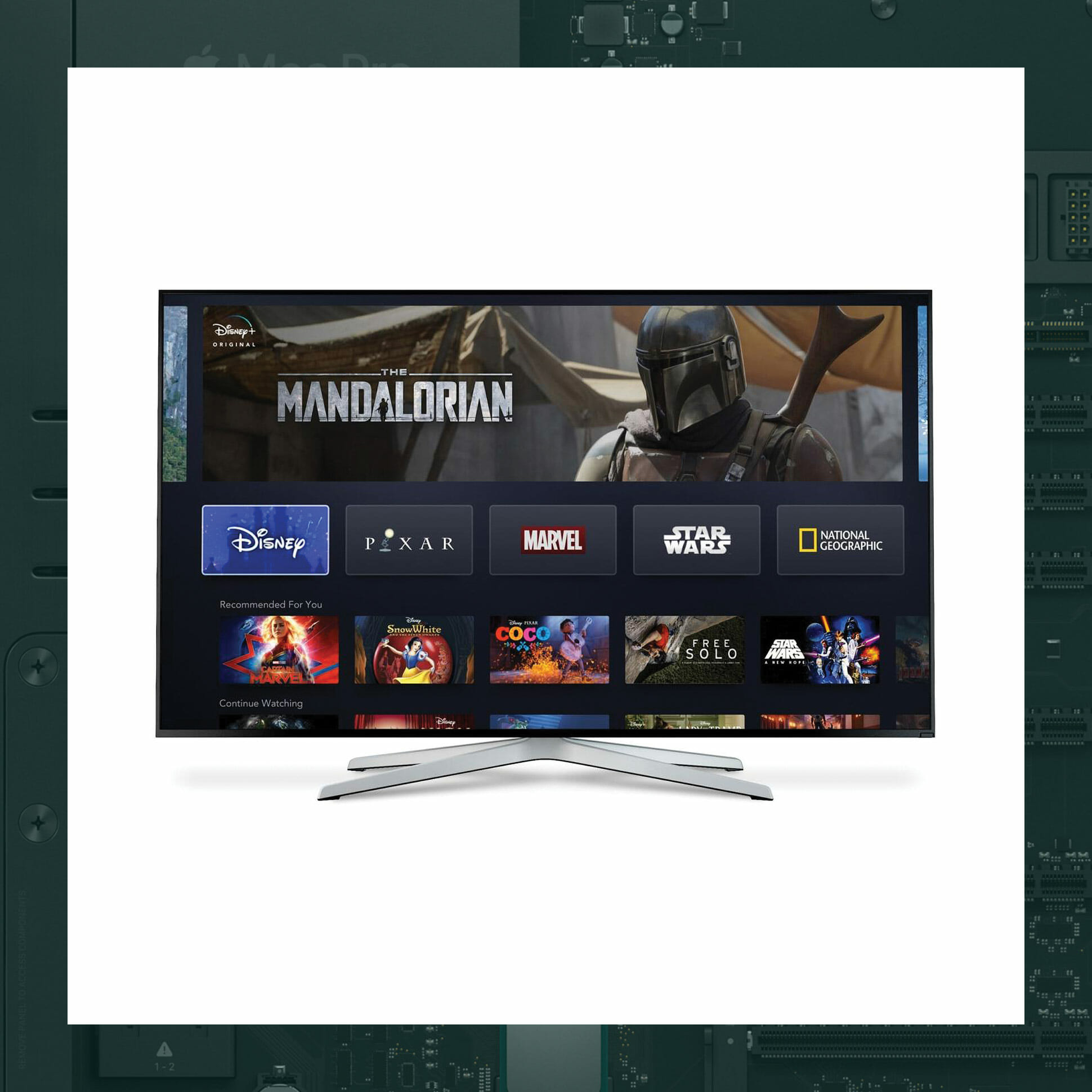
Disney+

It’s been more than a decade since Netflix kicked off the streaming age in earnest, and in that time, innumerable competitors have popped up to lay claim to your eyeballs. It’s into this crowded space that Disney+ is making its monumental landing. With an unparalleled archive including everything from all 30 seasons of The Simpsons to the latest Marvel Cinematic Universe blockbusters, the promise of new content from juggernaut franchises like Star Wars, and a low $7-per-month price tag, it’s destined to be a game-changer the likes of which only a behemoth like Disney could deliver this late in the streaming wars.

Classic Properties: Marvel, Star Wars, Pixar, Walt Disney Classics
Supported Devices: iOS, Android, Chromecast, Apple TV, Roku, Xbox One, PlayStation 4 and more
Upcoming Series: The Mandalorian, She-Hulk, Loki and more
Price: $7/mo.

Further Reading
Change These TV Settings Before You Start Streaming

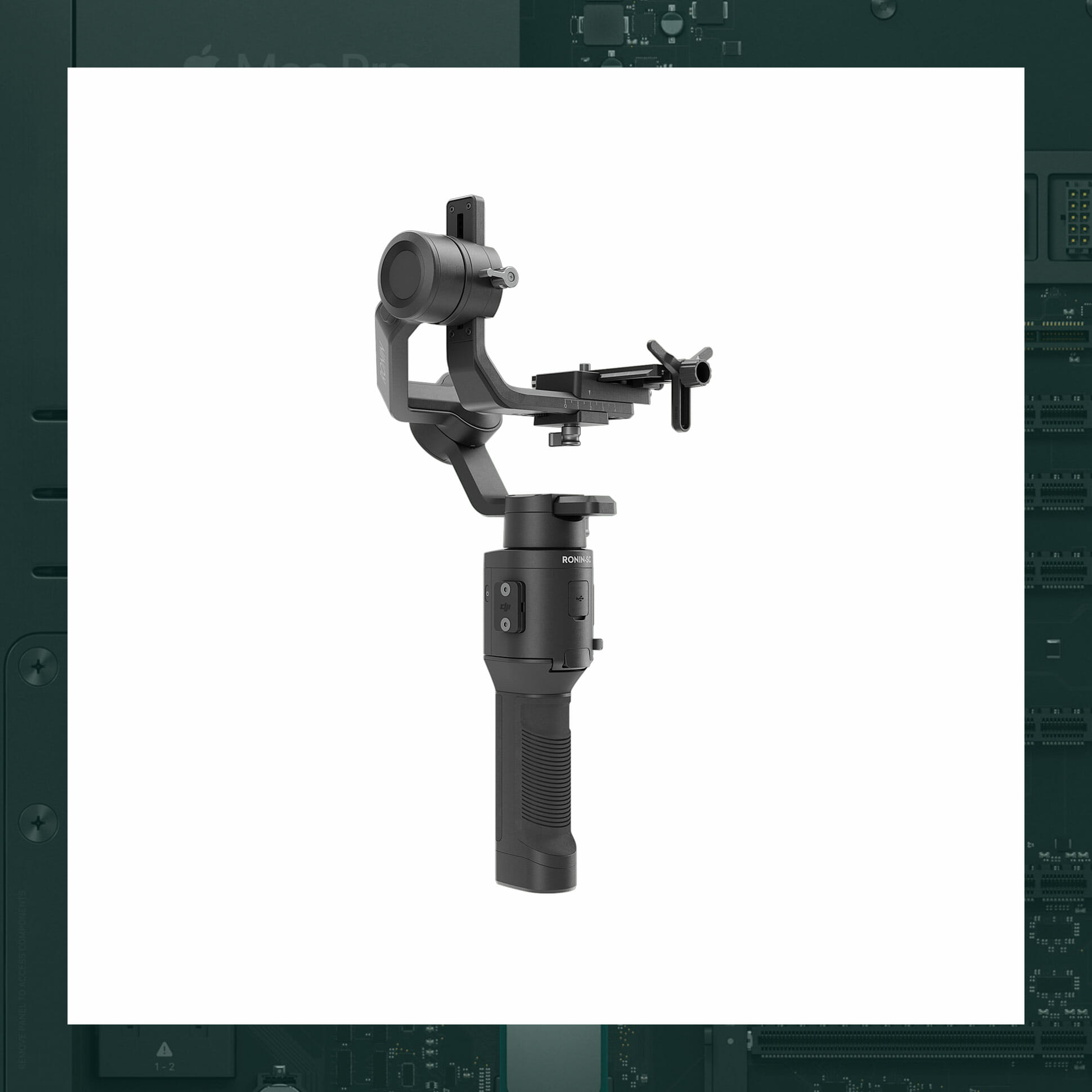
DJI Ronin-SC

The Ronin-SC, DJI’s latest stabilizing gimbal — born out of camera-mount tech used on its drones — is designed with the masses in mind. Made specifically to stabilize popular mirrorless cameras, it’s smaller and lighter than DJI’s older two-handed models, making it a better buy for photographers of all stripes. Add to that the ability to physically track a subject and remote control from your smartphone, and what you get is a pro-photography tool that’s more accessible to hobbyists than ever before. .

Gimbal Weight: 2.4 pounds
Maximum Payload: 4.4 pounds
Battery Life: 11 hours
Price: $439+

Further Reading
DJI’s Ronin-SC Might Be the Perfect Handheld Gimbal for Mirrorless Cameras

Fujifilm GFX100

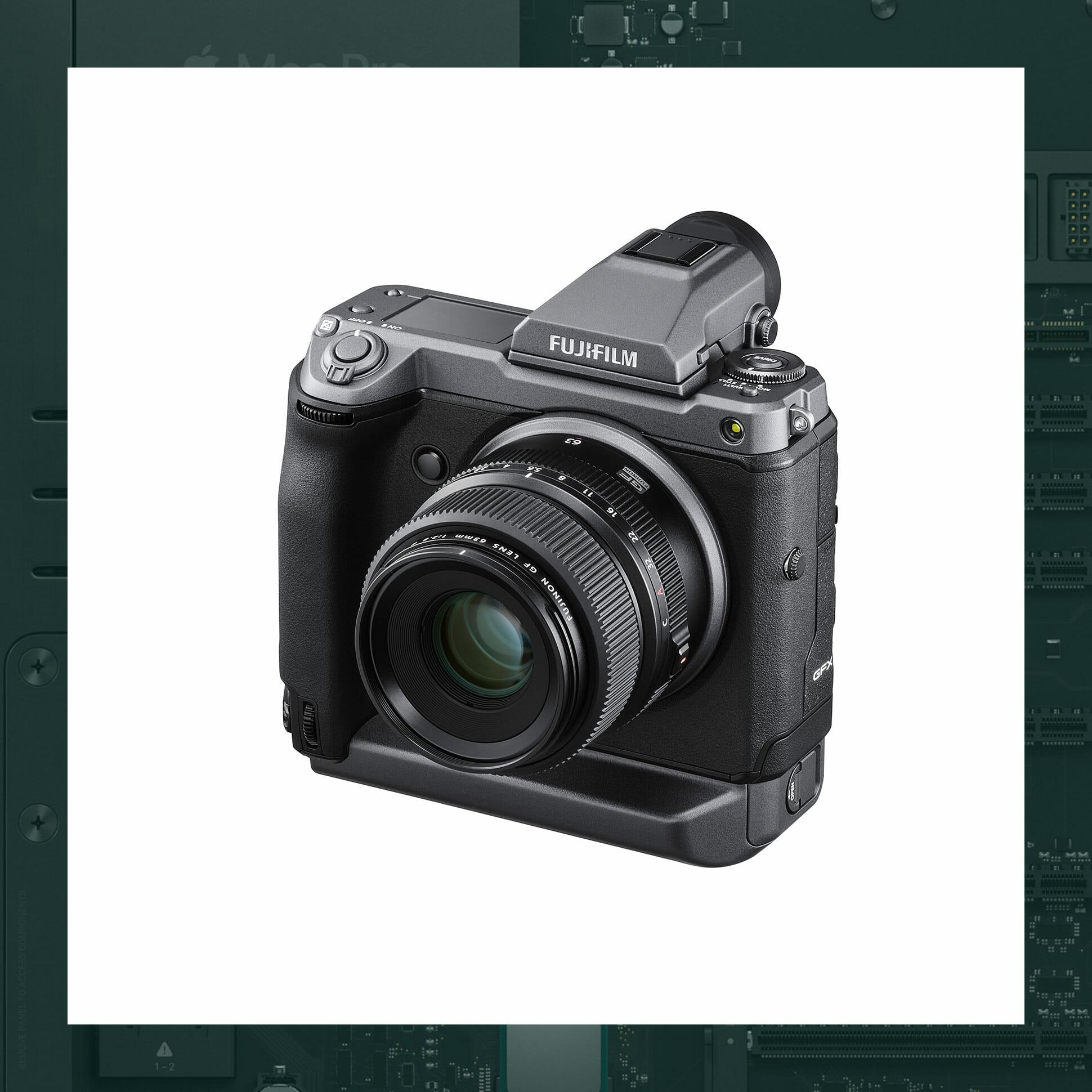
Big-picture medium-format cameras have largely been the purview of studio and landscape photographers who typically have the luxury of taking their time to carefully set up shots — and tens of thousands of dollars to spend on their kit. By pairing the creature comforts common to cheaper mirrorless cameras, with a luxurious medium-format sensor at a price that, while still astronomical, is significantly less than its competition. The Fujifilm GFX100 is making one of photography’s more exclusive formats available and practical for a new generation of shooters.

Viewfinder: OLED, 0.5-inch, 5.76 million dots
Number of Effective Pixels: 102 million
Video: 4K video at 30fps
Price: $10,000+

Further Reading
Fujifilm’s GFX100 Is a Steal for Pro Shooters

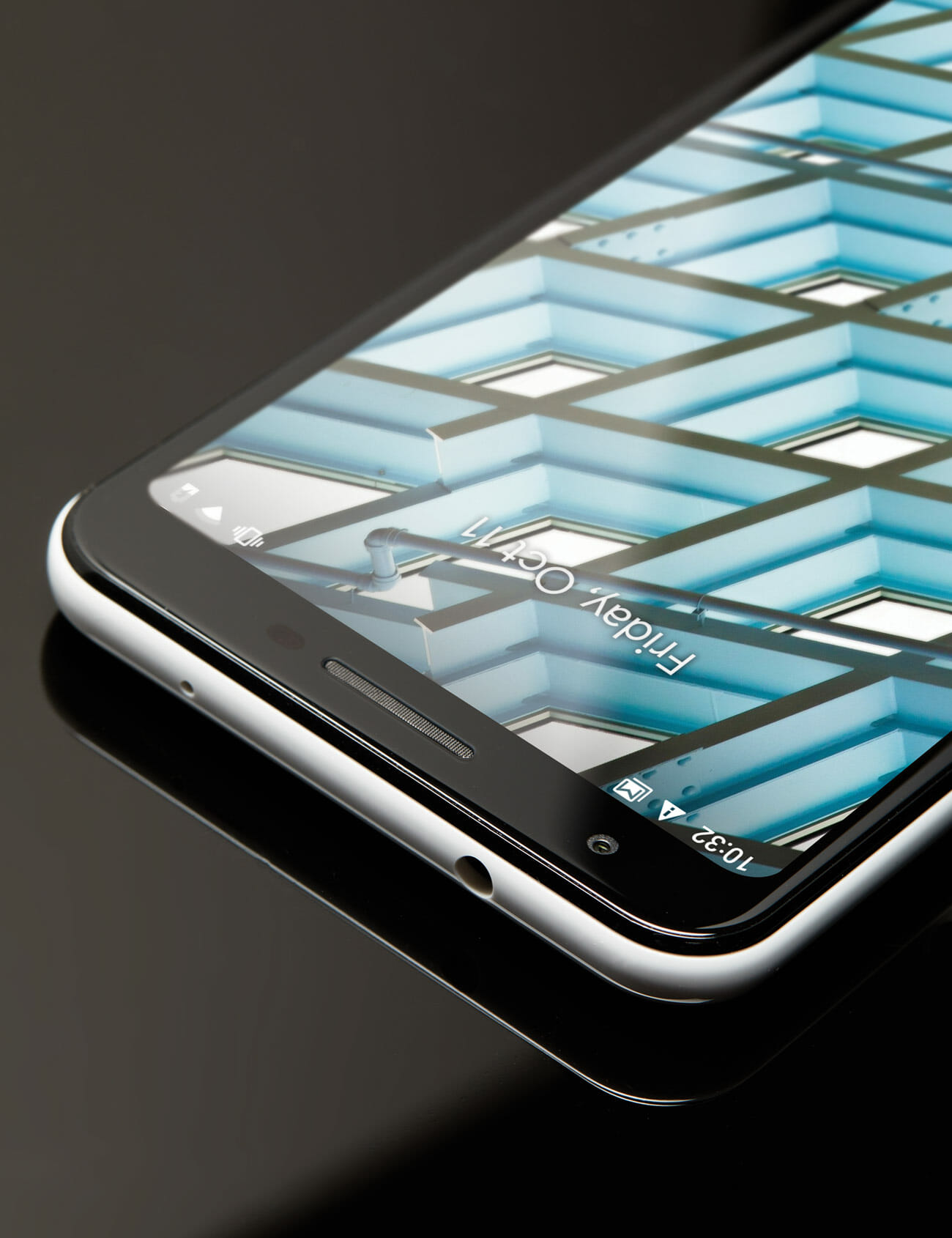
Google Pixel 3a

Editor’s Pick

In a field of increasingly four figure phones, Google’s Pixel 3a is notable not just for its screamingly modest $400 price tag. This comfortably competent, pleasantly plastic midrange phone also includes a stunning, flagship worthy camera that punches way above its weight. The result? A phone that’s not only a terrific value, but that challenges the very notion that a top not camera is a premium feature, and argues that it is instead an absolute necessity.

Display: 5.6-inch, OLED, 1080 x 2220 pixels
Body: Plastic
Headphone Jack: Yessir
Price: $400

Further Reading
What’s the Catch With Google’s Wildly Cheap New Phone?

Kindle Oasis

The Kindle has been the reigning king of e-readers for more than 10 years, but Amazon isn’t resting on its laurels. The 2019 model of its flagship Oasis reader is the latest — and maybe final — step in the brand’s quest to perfectly emulate paper. Its ability to delicately change the color temperature of the screen to easy-on-the-eyes shades of yellow is a small tweak to a winning formula, but one that may represent the end of a very ambitious journey.

Display: 7-inch touchscreen
Shades of Grey: 16
Waterproofing: IPX8
Price: $250+

Further Reading
Amazon’s Cheapest Kindle Now Has a Front Light

Oculus Quest

By the standards of its technological ancestors, the Oculus Quest feels like a pipe dream. The all-in-one headset is a perfect storm of features pilfered from impressive but flawed predecessors. Wireless design, heaps of horsepower, hand-tracking controllers. An astonishingly experience, tied up in a bow with a comparatively low $400 price point, the Quest represents a new, accessible path for VR that could live up to the hype the original Oculus Rift fell short of.

Display: LED, 1600 x 1440 pixels per eye
Connectivity: Wireless
PC: Not Required
Price: $399+

Further Reading
Oculus Just Made VR Cool Again

Samsung Space Monitor

Monitors may be getting thinner, brighter and crisper but they’ll always take up space on your desk, whether you’re using them or not. Samsung wants to change that with its Space Monitor, unveiled at the Consumer Electronics Show (CES) at the beginning of the year. With its adjustable built-in arm stand, it can do more than be a beautiful 4K display — it can also get out of the way and give you back your precious desktop real estate when you need it.

Screen Size: 27-inch or 31.5-inch
Resolution: 4K UHD
Refresh Rate: 60 Hz
Price: $400+

Further Reading
This Is the Perfect Monitor for a Minimalist Desk

Sony a7R IV

Resolution or speed? Once, photographers were forced to choose between cameras with maximum autofocusing power and high frame-per-second shooting and ones with huge megapixel counts. The Sony a7R IV blows that dividing wall to pieces. With a 61-megapixel back-side-illuminated sensor, autofocus points covering 99.7% of the frame, and 10 frame-per-second shooting, it’s the best of both worlds. Sure, the menus are clunky and the video isn’t perfect, but the a7R series continues to redefine expectations as to what a camera can do.

Maximum Resolution: 9504 x 6336 pixels
Sensor Type: Full frame
Autofocus Points: 567
Price: $3,500

Further Reading
Everything You Need to Know About Sony Cameras
Note: Purchasing products through our links may earn us a portion of the sale, which supports our editorial team’s mission. Learn more here.

The Best Tech Product of 2019 Aims to Redefine the Phone

This story is part of the GP100, our annual roundup of the best products of the year. To see the full list of winners, grab the latest issue of Gear Patrol Magazine.

Each year, the telephones relentlessly improve. Their microchip brains increase in computing horsepower. Their physical forms get slimmer, more refined and more jewel-like. Their screens stretch outward towards their bodies’ very edges. But as the leading flagships converge towards a single expensive full-screen black-slab ideal, they avoid addressing a crucial question: What is improvement?

Google’s Pixel 3a, a pointed departure from its competition’s assumptions, is not just a great little phone — it represents a different idea of what a great little phone is.

Announced by Google earlier this year with little run-up or fanfare, Google’s plastic Pixel 3a has an offbeat combination of features compared to its contemporaries. In many ways, it’s gleefully adequate. Its polycarbonate body is not fancy, but it is functional. Its mid-range processor is fine with being just fast enough. Its screen is as good as you’ll reasonably need for browsing the web and drinking from social media’s firehose. It skimps on features like wireless charging and waterproofing, as you might expect from a $400 phone. But unexpectedly, its camera is top tier — a superb feature it shares with its high-end sibling, the Pixel 3, which cost twice as much at launch.

It’s this unusual inclusion of a premium feature in a seemingly budget phone that makes the Pixel 3a feel impossible — or worse, almost like a con. But in fact, it’s a more fundamental innovation than any face-scanning technology or gyroscopic stylus: it’s a reordering and redefining of what features matter in a phone.

Google’s Pixel 3a, a pointed departure from its competition’s assumptions, is not just a great little phone — it represents a different idea of what a great little phone is.

Here in 2019, years into the reign of the “miniature 2001 monolith” school of phone design, it’s easy to forget that the collection of features a phone requires was not always agreed upon. (During and shortly after the dominion of the BlackBerry, for example, a physical keyboard was arguably a must.) What the Pixel 3a’s marriage of plastic and photography prowess argues is that a great camera — not just any smudgy shooter — is as integral to a phone as a 4G radio and onboard storage and more integral than premium materials and luxury fit-and-finish. It’s an argument that, if it proves persuasive to buyers, could shift the direction phones go from here.

But the combination of features found in the Pixel 3a could not have crystallized without all the tech that paved the way for it. Google has spent years developing its photography chops via software instead of hardware. Instead of using multiple (and expensive) camera sensors and lenses to attempt to recreate the depth-of-field effects of fancy lenses on full-fledged DSLRs, the company decided from the jump to put its algorithmic expertise to work to recreate the same effect with artificial intelligence.

Further Reading
Which Smartphone Has the Best Camera of 2019
8 Settings to Change on Your Smartphone Right Now

That decision came with an initial — but now rapidly diminishing — cost. Early versions of the tech produced images that could look ever so slightly off (and sometimes still do) compared to their impeccable analog competition. But the software is ever-improving. More importantly, it is extremely cost effective to scale, and even possible to implement retroactively. When Google released its “Night Sight” feature that algorithmically combined multiple low-light images taken at different exposures into a single image that appears almost magically bright, it was released not only for the brand new Pixel 3, but for the Pixel 2 and original Pixel as well — a camera upgrade, years after the fact, for free. Google isn’t the only company to upgrade its cameras via software, but with the Pixel 3a, it has taken an enormous step toward making its camera capabilities revolve primarily around software — and, as a result, universal across its phones, regardless of age or price.

What the Pixel 3a’s marriage of plastic and photography prowess argues is that a great camera — not just any smudgy shooter — is as integral to a phone as a 4G radio and onboard storage and more integral than premium materials and luxury fit-and-finish.

And while the Pixel 3a is certainly laudable for how much it offers in a $400 package, it’s also exciting for where it indicates this road might lead. The lion’s share of flagship phones have become obsessed with offering additional luxuries to justify their growing prices, but the prevailing trends have left a whole host of assumptions completely unchallenged: The best cameras are unique to only the most expensive phones. Thinner is always better. One thousand dollars is a reasonable price for a phone that will be obsolete in three years at best.

Perhaps the Pixel line itself has no appetite for challenging more of these assumptions, but it has at least revealed one of them as false. And that’s about as exciting of a feature as you can get.

Display: 5.6-inch, OLED, 1080 x 2220 pixels
Body: Plastic
Headphone Jack: Yessir
Price: $400

Note: Purchasing products through our links may earn us a portion of the sale, which supports our editorial team’s mission. Learn more here.

These 3 Apps Take Advantage of the Newest Apple Watch’s Best New Feature

To the naked eye, the Apple Watch Series 5 isn’t much better than its predecessor, the Series 4. It looks identical, aside from the Series 5’s always-on display. It’s pretty similar under the hood as well. The Series 5 has a few expected upgrades, such as a newer faster processor and more storage, but it has essentially the same combination of sensors and can track mostly the same metrics as the Series 4.

The one big internal difference is that the Series 5 has a built-in magnetometer. This enables an all-new Compass app, which no other previous Apple Watch has, and it can help you tell which direction that you’re facing just by looking down at your wrist. The new sensor also enriches the experience of using other apps, besides the Compass, on the Series 5.

The obvious example is the Maps app, which can now tell you which direction you’re heading. But there are many third-party developers working on different apps that can take advantage of this new sensor as well.

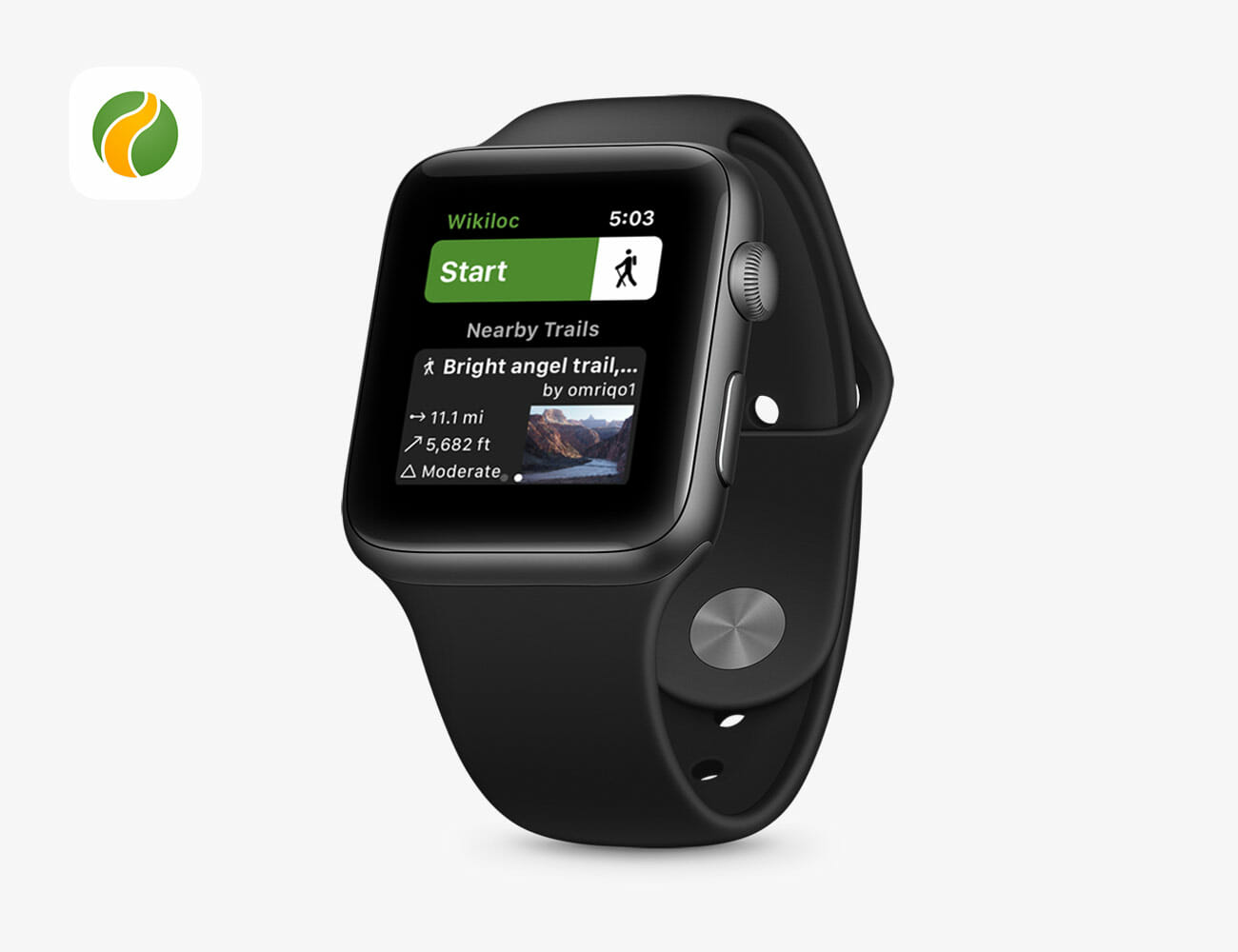
“In previous Apple Watches without the native compass, map orientation was accurate only while you kept moving since the direction was determined from the GPS coordinates,” explains Jordi Ramot, the founder and CEO of Wikiloc, an outdoor trail app for hikers. On the Series 5, however, hikers are able to stay oriented even when they’re standing still. “You just turn around while looking at your Apple Watch and the maps will turn effectively displaying your current location and the features you’re looking at in front of you.”

Of course, the built-in compass is still a new feature and not every — if many — Apple Watch app takes advantage of it yet. Those that do are mostly outdoor-related, which makes sense given it’s a compass and all. We rounded up a few of those apps below, but it wouldn’t surprise us if many more that are updated with compass support in the near future.

Best Hiking App: Wikiloc

Wikiloc is a hiking, running, biking and all-around outdoor navigation app. It allows users to track their hikes and other activities, giving them a bunch of real-time metrics like speed, distance and hike time. It can also help find new trails to hike. And a neat feature is that you can download trail maps for offline use. So yes, the built-in compass will work even if you don’t have cell service.

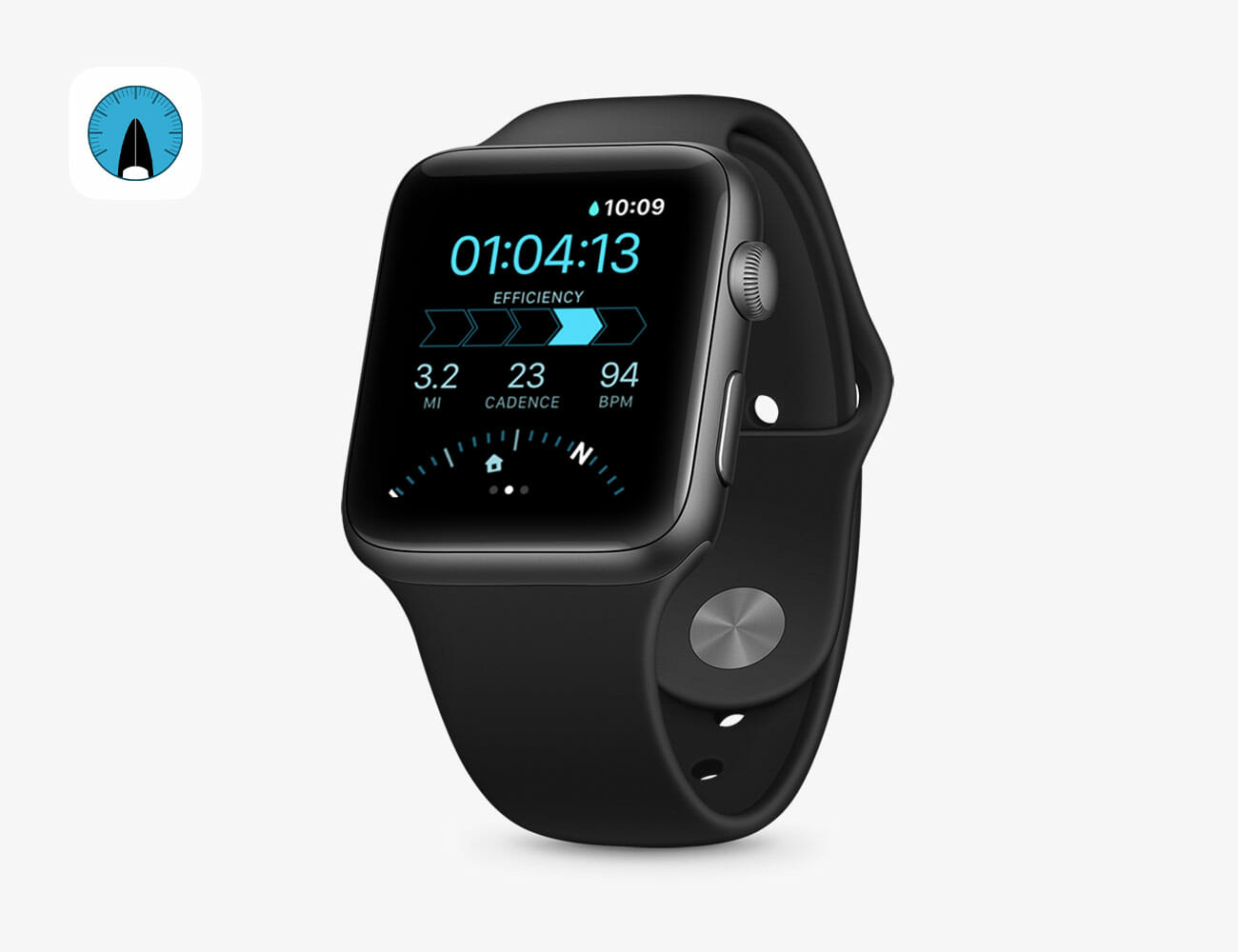
Best Paddle-boarding App: GoSup

GoSup is a paddle-boarding app that records a whole-bunch of metrics during a session, including distance, pace, left and right paddle strokes, heart rate and burned calories. The Series 5’s compass sensor allows the wearer to see which direction they’re paddling, but more importantly, it also helps them get back home. While using the app’s “Find Home” feature, a house icon shows the wearer where home is, as well as how far away they are (which is handy because the distance is often difficult to tell while you are paddling on the water).

Best Stargazing App: Night Sky

Identifying when a star will be visible and then where it will be located in the night sky — that’s no easy task. But Night Sky makes it pretty easy. It’s been a fan-favorite stargazing app for a long time, and it works great on the Series 5. Thanks to the new built-in compass, Series 5 wears are be able to tell if they’re facing the right direction for a specific star, constellation or even the International Space Station, straight from their wrist.

Note: Purchasing products through our links may earn us a portion of the sale, which supports our editorial team’s mission. Learn more here.

The Courant Carry Is A Premium Power Bank That Can Be Charged Wirelessly

Wireless charging technology has come a long way since it made a splash a few years back. Now, the dominant standard is Qi, which is supported by a huge number of devices. Some of the most popular gadgets that rely on the tech are usually smartphones and smartwatches, but newer stuff such as the Apple AirPods are now compatible with a specific case. Comparing it to regular charging methods, it is as simple as placing your device on a wireless charging mat. If you prefer a cord-free experience while on the go, then the Carry from Courant is a perfect partner.

This device is a classy power bank wrapped in premium pebble-grain leather from Italy. Its design is certainly fashionable and even comes in five colourways. It might not be the first of its kind to feature wireless charging, but it does have one cool functionality onboard. Courant specifies that users can just prop it on top of a wireless charging surface to fill up its tanks. Technically, owners no longer need cables to charge this portable power source.

Moreover, it is capable of stackable charging. It means your wireless charger will charge the Carry and the power bank will charge another device on top of it. This seems like a well-thought-out plan from Courant. The 8,000 mAh capacity should be good for at least two full charges. You can be sure that it will support a wide range of devices with its Qi certification. Overall, we think that other brands should also consider using this tech.

Courant Carry – $150

Images courtesy of Courant

Why Bose’s Game-Changing Headphones Are the Best Audio Product of the Year

This story is part of the GP100, our annual roundup of the best products of the year. To see the full list of winners, grab the latest issue of Gear Patrol Magazine.

Noise-canceling headphones aren’t what they used to be. The first pair from Bose, the legend goes, was conceived by founder Amar Bose in 1978 while attempting to listen to music over the incessant hum of a plane engine and first took form as a niche headset for pilots in 1989. A decade later in 2000, the now-iconic QuietComfort line arrived as the first active noise-canceling headphones for everyday buyers.

Today, the purpose headphones serve has rapidly changed. No longer solely a travel companion or stereo component, they are a fixture of everyday life. A 2014 survey by Sol Republic found that millennials clocked in an average four hours per day wearing headphones. In that time, noise-canceling technology has stretched far beyond Bose, and everyone from Sennheiser to Anker has been getting in on the feeding frenzy. According to many discerning ears, Bose has been unseated from the throne it designed most recently by Sony and its WH-1000XM3 headphones, which are as lovely to listen to as they are hard to pronounce.

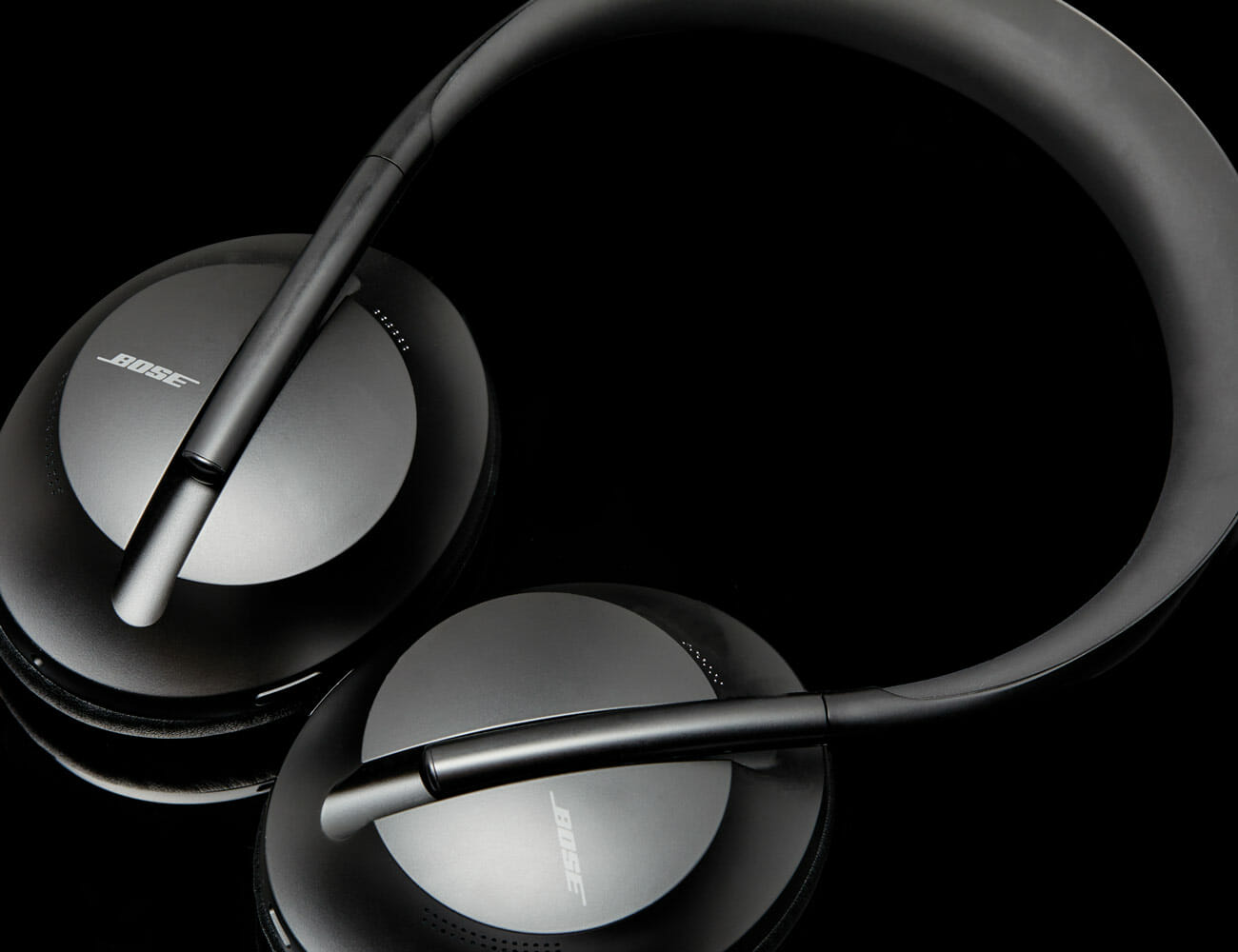
It’s from this position on the back foot that Bose has developed its latest headphones, which aim to take the tech a leap forward like QuietComfort before it. And as soon as you put them on, it’s clear: the Bose Noise Cancelling Headphones 700 are the culmination of years of worthwhile toil.

No matter how loud the room you’re in, the Headphones 700s are able to pick out your voice specifically, so that your conversation partner can hear you loud and clear. But better yet, because the headphones’ noise cancelation tricks your brain into letting you talk more softly, you can speak at volumes that are nigh inaudible to eavesdroppers in a noisy room.

Before the Headphones 700, Bose had arguably grown accustomed to effortlessly being the best. Its QuietComfort series had been the king of the noise-canceling headphones for so long that it became an almost untouchable standard. The QuietComfort 25s released in 2009 even look strikingly similar to the QuietComfort 35 IIs released almost a decade later.

But with the Headphones 700, Bose did more than design a completely new, sleek and minimalist look. It also took the technology a step forward to a new, decidedly 2019 use: reinventing how you use your phone. And the results are genuinely stunning.

Further Reading
An Engineer Explains the Magic of Bose’s New Headphones
The Best Noise-Canceling Headphones of 2019

When you talk on the phone in a noisy environment, the natural reaction is to talk louder — you raise your voice to the volume of the room. It’s a natural, subconscious, and nigh-unstoppable phenomenon in psychoacoustics. You can’t really help it, and it’s why people wearing headphones and listening to loud music always have a tendency to scream at you. It’s also why, in a noisy room, you will invariably scream at someone when you’re talking to on the phone.

with the Headphones 700, Bose did more than design a completely new, sleek and minimalist look. It also took the technology a step forward to a new, decidedly 2019 use: reinventing how you use your phone.

The Headphones 700s put their noise-canceling powers to work to fight this phenomenon by canceling out ambient noises for you, so you feel like you’re in a quieter environment and naturally speak more softly. At the same time, they pluck out your voice specifically for transmission across the phone line.

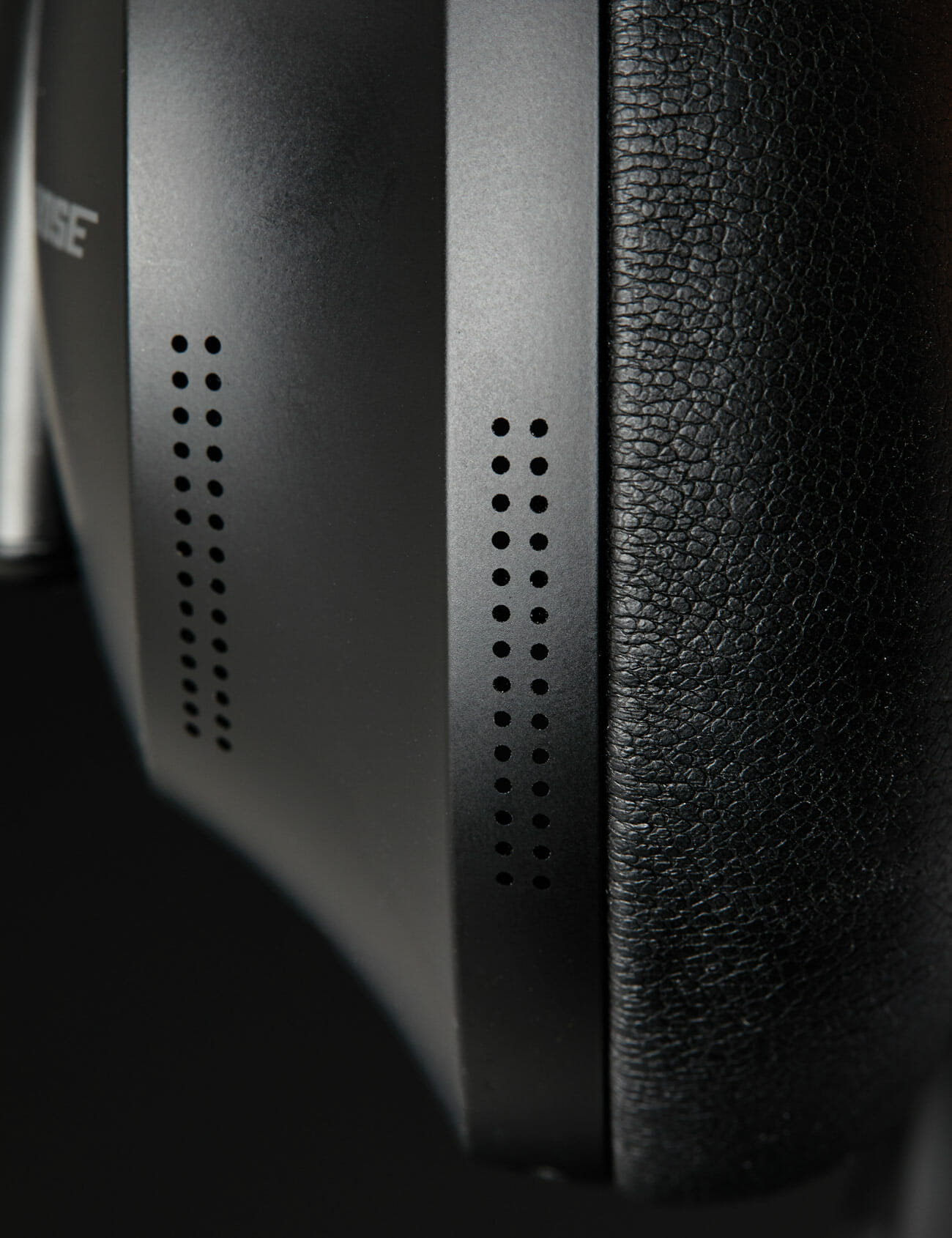
The secret is the Headphones 700’s completely new eight-microphone system. Six of those microphones take care of the new noise-canceling and transparency modes, while four microphones (one pair is pulling double duty) isolate your voice to separate it from background noise.

Throw in all the modern features that the QuietComfort 35 IIs lack, such as ridiculous levels of customization when it comes to noise-cancellation levels, swipe gestures for playback and a fantastic transparency mode, and the Headphones 700 put Bose back where it belongs: on the throne.

The result is twofold: No matter how loud the room you’re in, the Headphones 700s are able to pick out your voice specifically, so that your conversation partner can hear you loud and clear. But better yet, because the headphones’ noise cancelation tricks your brain into letting you talk more softly, you can speak at volumes that are nigh inaudible to eavesdroppers in a noisy room. The end effect is that the Headphones 700s are able to use their noise cancelation not merely to cancel noise, but to deliver a sense of privacy even when you’re in a very public place. This is, for now, a very novel and unconventional feature.

Of course, any noise-canceling headphones worth their salt can’t get by on gimmicks — they still need to check the two big boxes of sound quality and noise-cancelation. Naturally, the Headphones 700 do that as well. They’re the best that Bose has ever made. Throw in all the modern features that the QuietComfort 35 IIs lack, such as ridiculous levels of customization when it comes to noise-cancellation levels, swipe gestures for playback and a fantastic transparency mode, and the Headphones 700 put Bose back where it belongs: on the throne.

Connectivity: Bluetooth 5.0
Charging Port: USB-C
Battery Life: Up to 20 hours
Price: $399

Note: Purchasing products through our links may earn us a portion of the sale, which supports our editorial team’s mission. Learn more here.

The 10 Best Audio Products of 2019

This story is part of the GP100, our annual roundup of the best products of the year. To see the full list of winners, grab the latest issue of Gear Patrol Magazine.

The tech behind audio gear is always changing but its purpose generally stays the same: record players spin vinyl, headphones are for portable listening, amplifiers amplify. But this year has brought us innovations in how and what. Bose’s headphones don’t just help you listen, they help you talk. While Sonos’s bookshelf speaker is, thanks to Ikea, a literal bookshelf. All that in addition to stellar headphone amps, mobile DACs, record players and more.

Products are listed alphabetically.

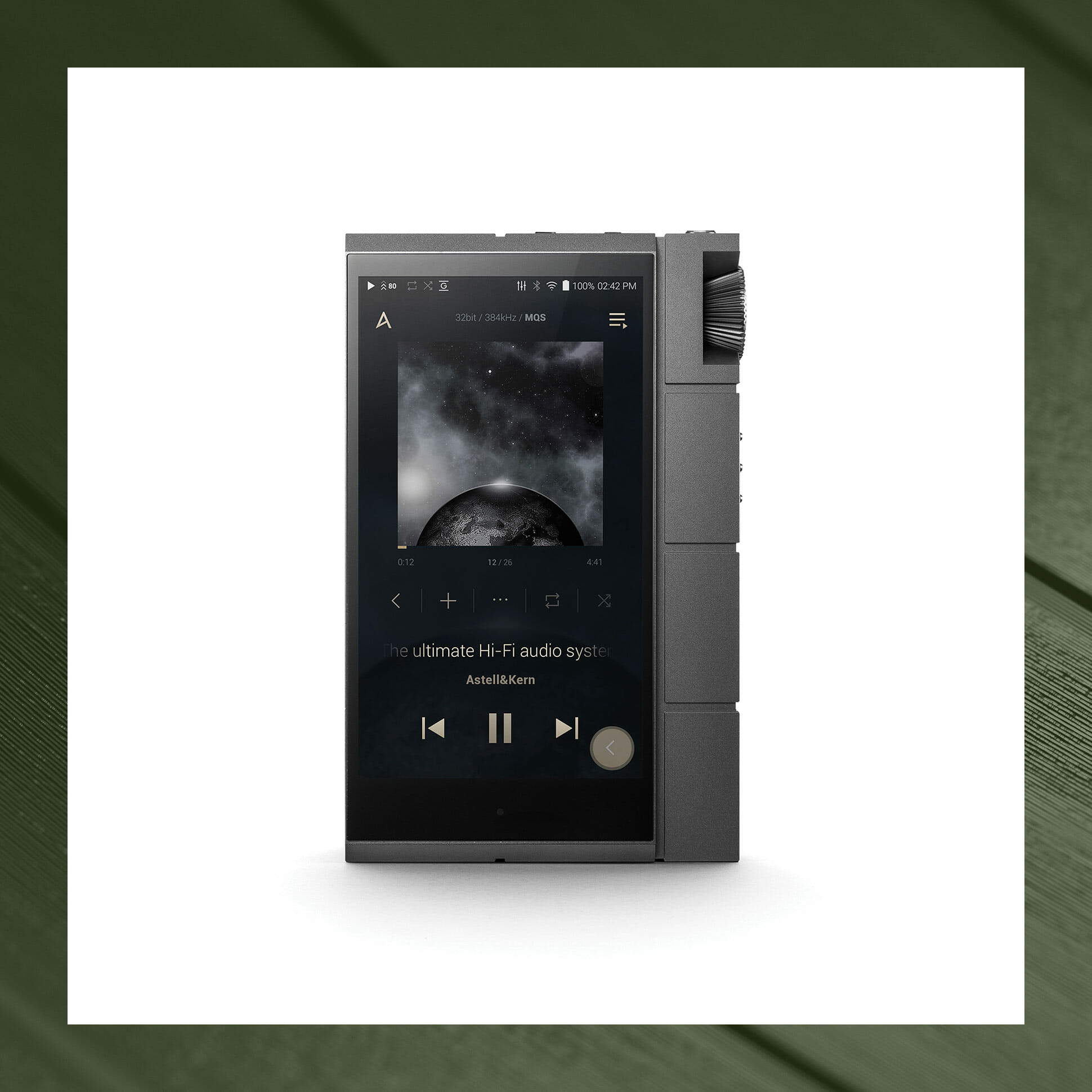
Astell&Kern Kann Cube

While it might be adequate for podcasts, a smartphone can’t deliver quality, hi-fi-level audio. However, with its great built-in digital-to-analog converter and powerful headphone amp, the Astell&Kern KANN CUBE can power your nicest pair of cans. You’ll also need music, of course, and it has support for services like Spotify, Tidal, Deezer and Amazon Music, along with the ability to play virtually any lossless codec imaginable. Topped off with fast USB-C charging, it’s virtually a full kit for the audiophile on the go.

Audio Playback: Native 32-bit/384 kHz
Supported Formats: WAV, FLAC, WMA, MP3, OGG, APE, ACC, ALAC, AIFF, DFF, DSF, MQA
Digital-to-Analog Converter: Dual ESS ES9038PRO SABRE DACs
Price: $1,499

Further Reading
The New King of Portable Hi-Fi Players

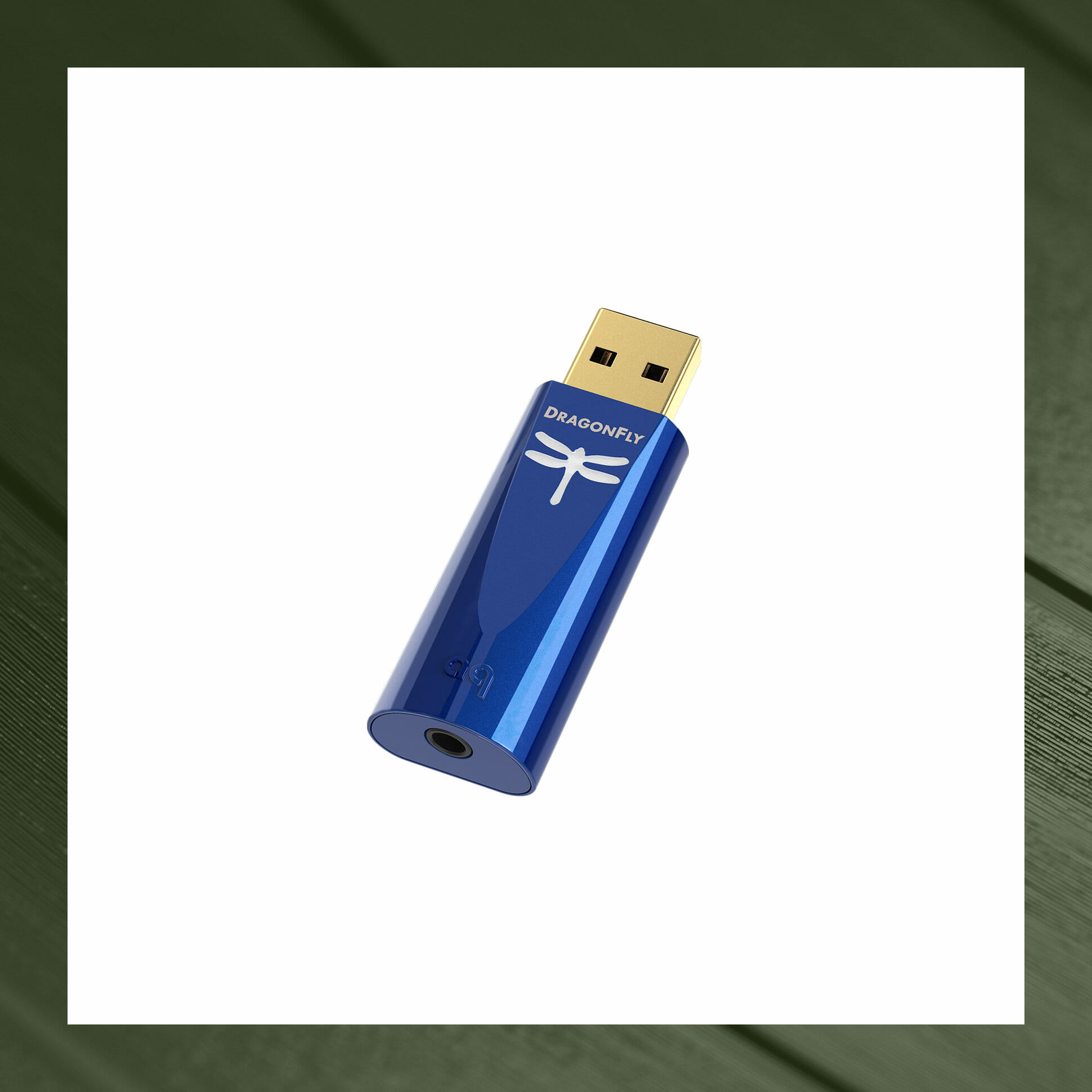
AudioQuest DragonFly Cobalt

AudioQuest carved out a nice little niche in the hi-fi market, making high-quality USB digital-to-analog converters (DACs) for smartphones and laptops, but its latest portable powerhouse, the Cobalt, is poised to be a breakout hit. The highest performing DAC AudioQuest’s portable DragonFly series has delivered to date, it’s powerful enough to properly drive professional-grade headphones and monitors. It’s also power-efficient enough not to savagely sap your smartphone’s battery like its predecessors, making the Cobalt a small luxury actually worth considering.

Audio Resolution: Up to 24-bit/96kHz
Digital-to-Analog Converter: 32-bit ESS Sabre ES9038Q2M
Compatibility: Windows, Mac, iOS, Android
Price: $300

Further Reading
Listen to Spotify on Your Phone? Here Is a Hi-Fi Upgrade

Watch Now: The 10 Best Audio Products of 2019

[embedded content]

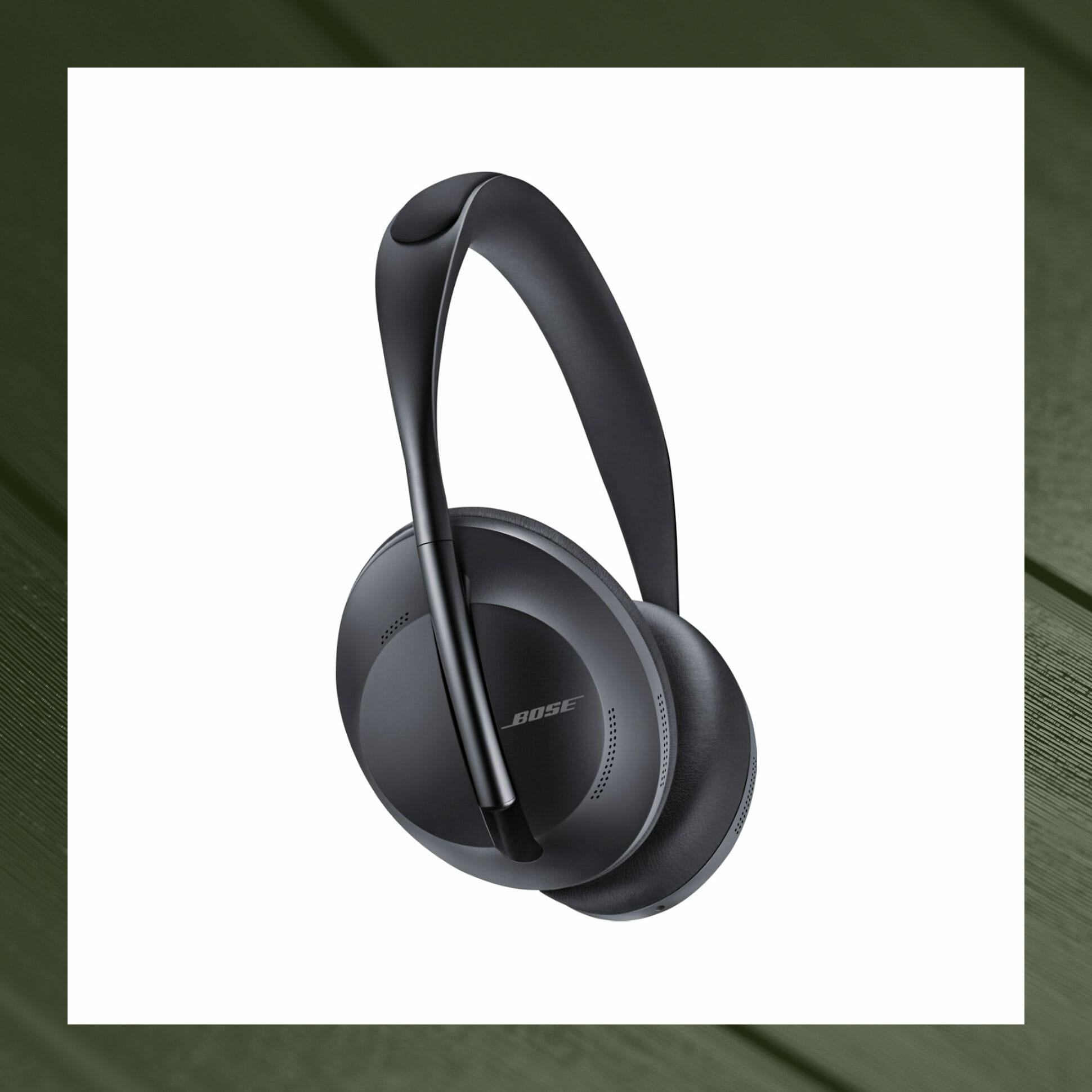
Bose Noise Cancelling Headphones 700

Editor’s Pick

With its all-new system of eight noise-detecting microphones, the new Bose Noise Cancelling Headphones 700 aren’t just the best ANC headphones out there and heir the throne of the legendary QuietComfort line. Their ability to isolate your voice and mute ambient noise can give you an almost magical ability to speak softly and achieve a sense of privacy while on the phone in a public place. It’s a truly innovative feature that fundamentally changes the way we use our tech.

Connectivity: Bluetooth 5.0
Charging Port: USB-C
Battery Life: Up to 20 hours
Price: $399

Further Reading
An Engineer Explains the Magic of Bose’s New Headphones
The Best Noise-Canceling Headphones of 2019

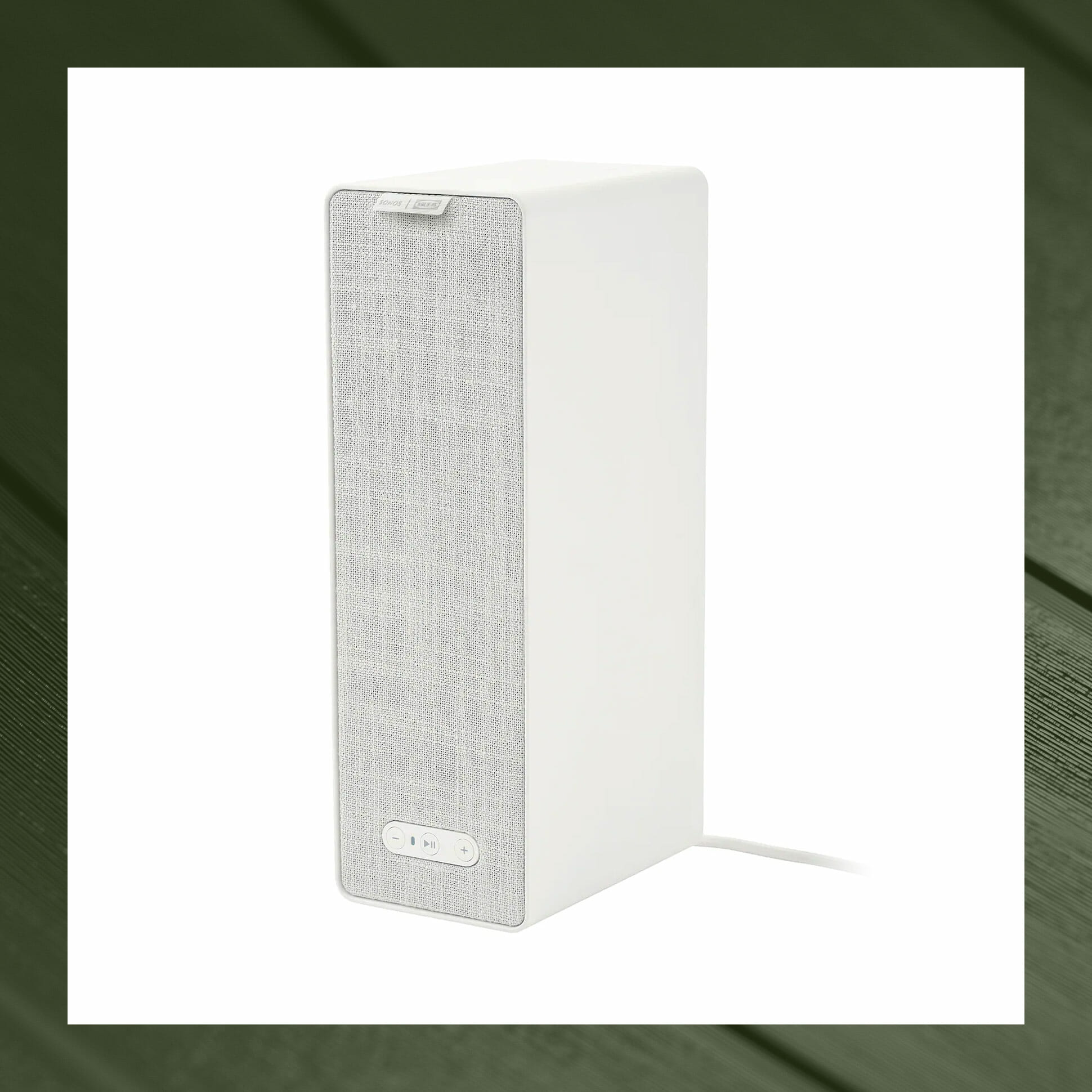
Ikea Symfonisk WiFi Bookshelf Speaker

For years, Sonos has been the comfortable king of mid-range audio, but the Sonos x Ikea WiFi Symfonisk Bookshelf speaker is the company’s confident expansion of its domain. At a paltry $99 (available through Ikea exclusively), the still great-sounding speaker makes it almost too easy to enter the Sonos ecosystem, or extend its reach throughout your home. That it can double as an actual, literal bookshelf? That part is just gravy.

Availability: Exclusively through Ikea
Drivers: One tweeter; one mid-woofer
Maximum Load in Shelf Mode: 6.5 pounds
Price: $99

Further Reading
Sonos’ $99 Speaker Is a No-Brainer Buy
One Trick Every Sonos Speaker Owner Should Know

Cambridge Audio Alva TT

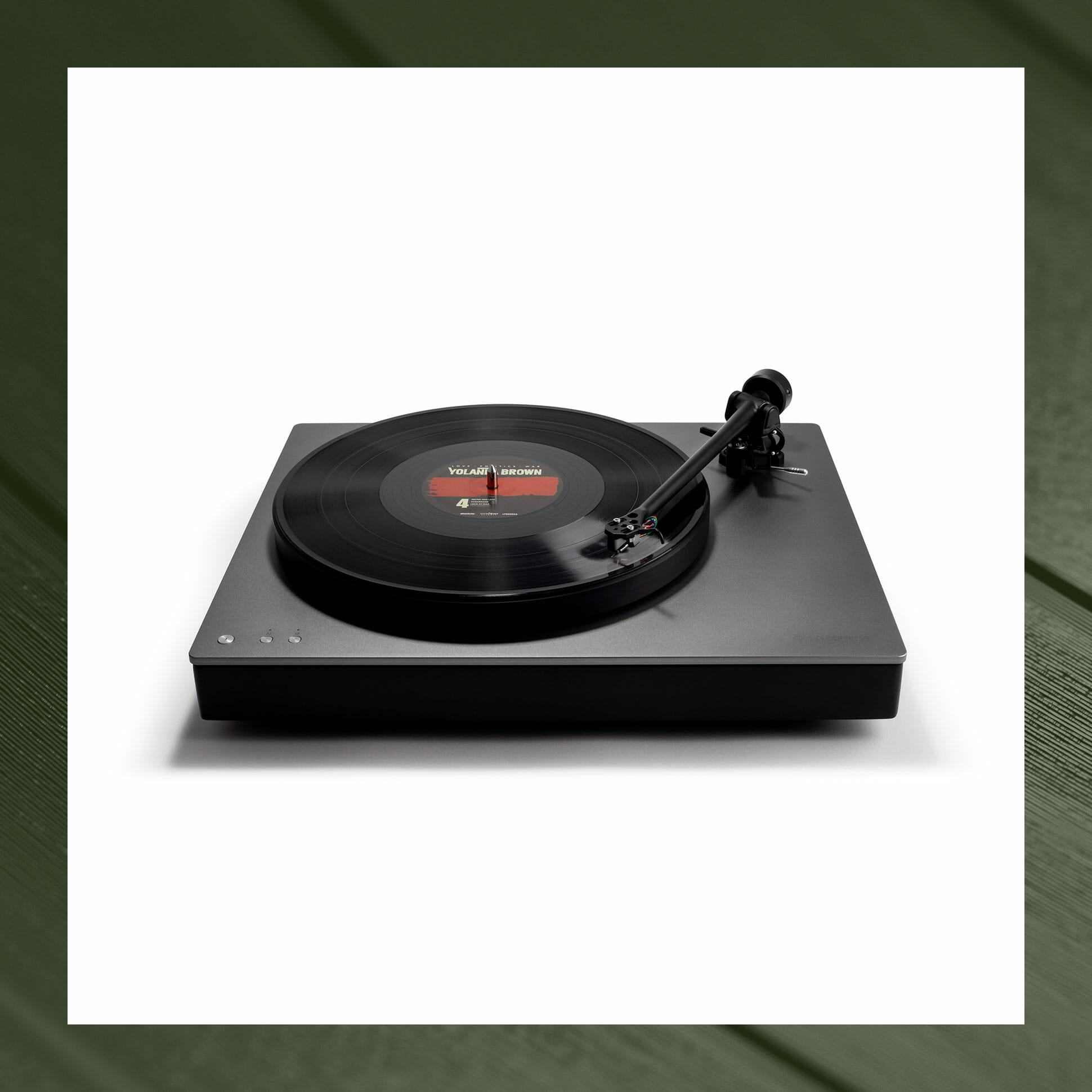
Cambridge Audio has been in the high-end audio business for over half a century, but its latest turntable, the Alva TT, looks forward to the next 50 years. The first turntable with Bluetooth aptX HD streaming, it’s able to stream high-resolution vinyl tracks (up to 24-bit/48kHz) to any compatible wireless headphones, speakers or Bluetooth receiver for top-tier sound without all the wires. And if you’re feeling old school, you can still wire speakers directly to the Alva TT’s RCA connections.

Turntable: Direct drive
Cartridge Type: High-output moving coil
Bluetooth Codecs: SBC, aptX, aptX HD
Price: $1,700

Further Reading
This Turntable Is an Audiophile’s Dream
The Best No-Hassle Vinyl Setups for Every Budget

Fender American Acoustasonic Telecaster

The lines between genre, once codified and reinforced by the recording industry, are blurrier than every before. It only stands to reason the lines between instruments would follow. Fender’s American Acoustasonic Telecaster, with a body designed to merge the traditional characteristics of electric and acoustic guitars like never before, is a innovative tool for a new generation of guitarists looking to create new sounds as much as they replicate classic ones.

Wood: Mahogany neck, back and sides; solid A Sitka spruce top
Pickups: Under-saddle piezo; internal body sensor; N4 magnetic pickup
Controls: Master volume; “Mod” knob; 5-way switch
Price: $2,000

Further Reading
The Best Gifts for the Guitarist in Your Life

JBL Link Bar

Soundbars can give your TV’s subpar sound quality a boost, but JBL’s Link Bar also upgrades your “dumb” TV to a smart one. Acting as a set-top box and a Google Home smart speaker, the Link gives you access to Netflix or YouTube and lets you control your TV with your voice. Even if your TV has built-in smarts, the Link is a one-step solution to clunky interfaces and infrequent upgrades, and one that can plug right into your next TV, too.

Drivers: Two 20mm tweeters, four 44x80mm racetrack drivers
Connectivity: Chromecast, Google Home, Bluetooth 4.2
TV Audio Out: HDMI Arc, Toslink optical
Price: $400

Further Reading
Soundbar Versus Speaker: Which Is Better for Your TV Setup

McIntosh MTI100 Integrated Turntable

All-in-one turntables make listening to vinyl easy and cheap, so it’s no wonder they’re in vogue. For high-end audio nerds, the lack of customization options is generally a significant downside, but not so with the McIntosh MTI100. Yes, it’s an all-in-one, but it features the company’s renowned high-end phono stage, tube preamplifier and class-D power amp. Add in MacIntosh’s signature black lacquer finish, large tactile knobs and lime-green glow, and the result is a form factor audiophiles like to scoff at elevated to a product of undeniable appeal.

Cartridge Type: Moving magnet
Stylus: Elliptical
Playback Speeds: 33-1/3 and 45 rpm
Price: $6,500

Further Reading
Is This the Perfect All-In-One Turntable?

Schiit Ragnarok 2

Schiit Audio is a small California company that sells high-end audio components directly to consumers, resulting in superlative products that are surprisingly affordable. The company’s Ragnarok 2, a stereo integrated amplifier, is much more than the sum of its parts — but what makes it truly unique is its versatility. You can use it to power bookshelf loudspeakers and hi-fi headphones, or you can integrate it into a larger hi-fi system.

Power Output, Speaker Outputs: 60 watts RMS per channel (8 Ohms); 100 watts RMS per channel (4 Ohms)
Frequency Response: 20Hz-20Khz, -0.1db, 3Hz-350KHz, -3dB
Power Consumption: 500W maximum
Price: $1,499+

Further Reading
The California Company Making Desktop Hi-Fi Affordable

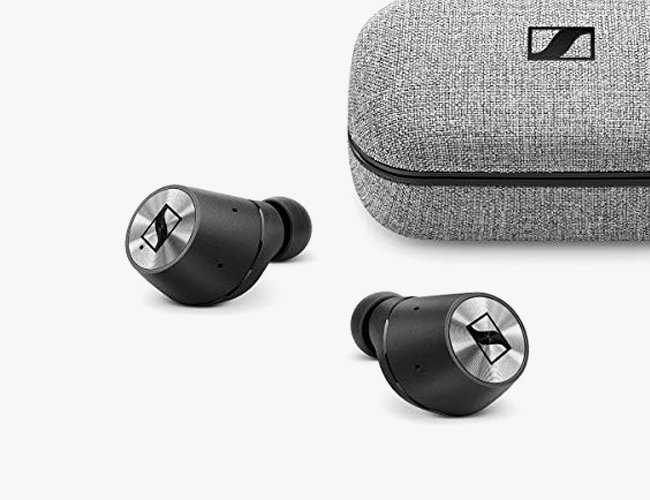
Sony WF-1000XM3 Wireless Noise-Canceling Headphones

As soon as true wireless headphones hit the market, the dream has been to see noise-canceling versions and 2019 has proven to be the year they have arrived in force. Sony’s WF-100XM3s, with their mouthful of a name and virtually peerless ANC abilities, are not only some of the best buds you can put in your ears right now, but a triumphant victory for the relative underdog which has beaten Bose and its upcoming 2020-release ANC earbuds to the punch.

Battery: 6 hours per earbud; up to 24 hours of battery life total with ANC turned on (with case)
Charging Port: USB-C
Key Features: noise-canceling, adaptive sound control, Quick Attention, works with Google Assistant
Price: $230

Further Reading
Great Noise-Canceling Wireless Earbuds Are Finally Here. These Are the Ones You Want
Note: Purchasing products through our links may earn us a portion of the sale, which supports our editorial team’s mission. Learn more here.

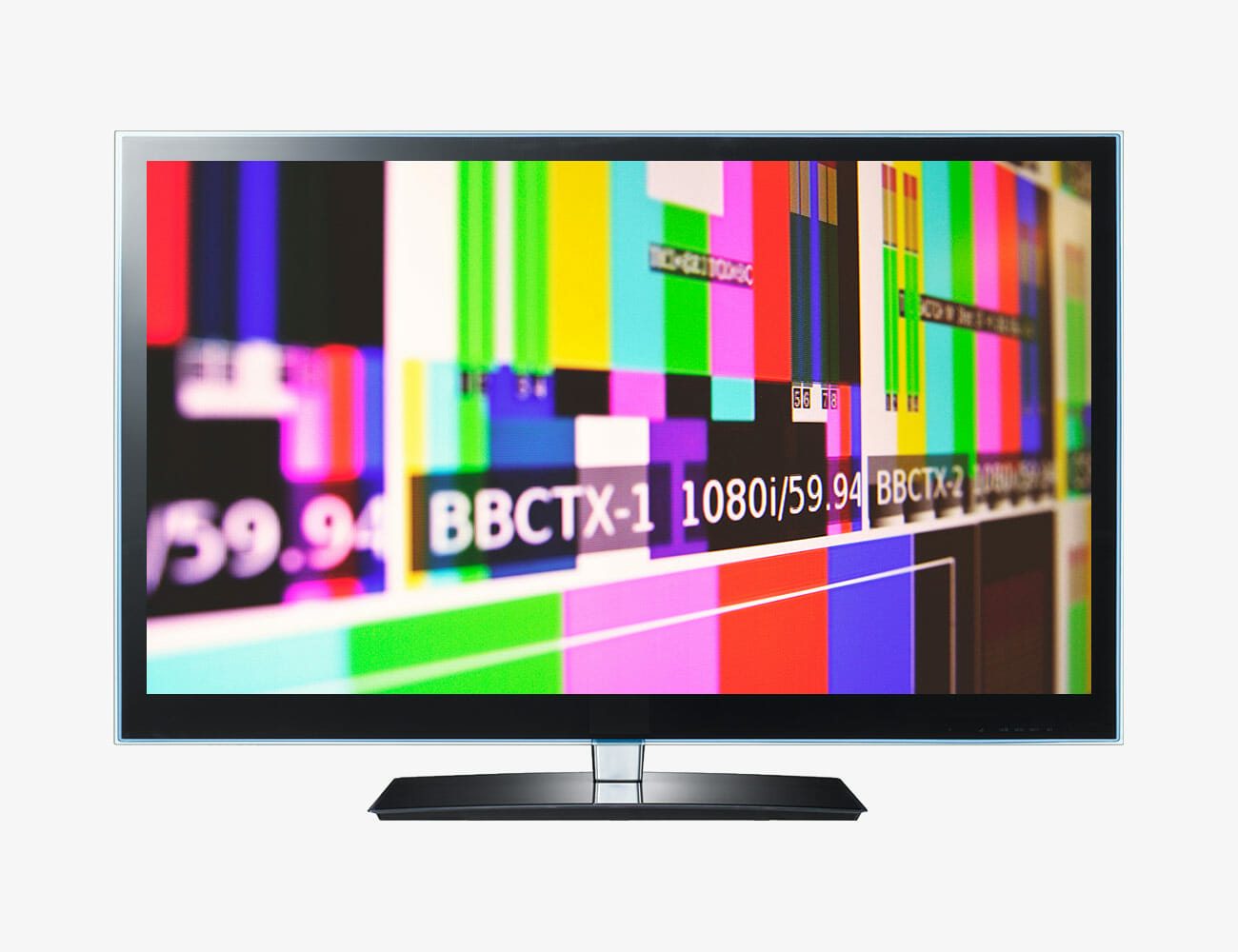
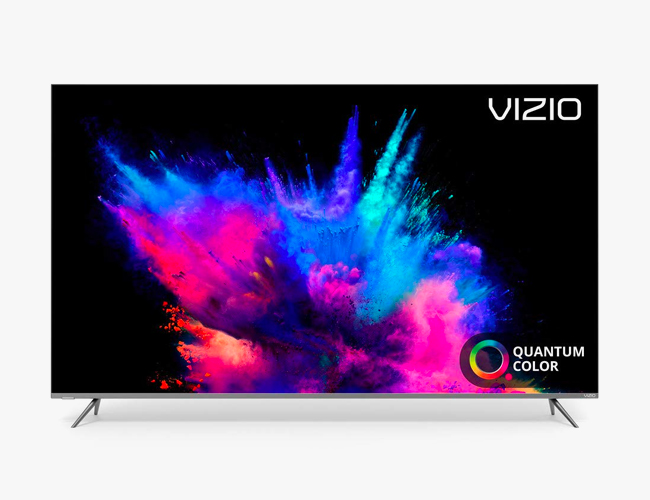
The Settings You Should Change Right Away on Your Brand New TV

Welcome to Superuser Skills, a column devoted to making sure you get the most out of the gear you already own.

When you buy a new TV, you just want to slump down in front of it and enjoy some compelling content—without having to wade through settings and setup menus to get it working the way you want.

For the sake of convenience, most of us are going to leave the default device settings in place, but we’re here to flag up a few of the options that you really should pay close attention to, and modify if necessary.

From the quality of the picture to the level of data you’re sharing with the maker of your television set, these settings can make a difference.

With so many makes and models on the market, we can’t cover the menu mazes for every single set out there, but we can point you towards the options to look for, even if they’re named or applied slightly differently in each case. If you’re stuck, seek out your manufacturer’s website for the appropriate manual.

Calibrate the colors and brightness

Your TV will make its best guess about how to show the colors and set the brightness on its display, and most of the time that guess is going to be a pretty good one. However, we’d recommend diving into your set’s color and brightness settings anyway—you’ll find a lot of variation in terms of the options available, depending on the manufacturer, but all the basics should be covered.

For example, you just head to Picture in Settings on most Samsung TVs to start playing around with brightness, contrast, and tint. A search on the web for your specific make and model of TV should turn up some tips from other users about how to configure these settings, and you can also get some very detailed and very helpful advice from the videos produced by the experts at Rtings.com.

You should also turn off—or at least experiment with—any settings that attempt to enhance or digitally manipulate the colors on your set. How effective and useful these are will vary between devices, so make yourself aware of the options at your disposal and see if disabling any of them leads to any improvements.

Another option to look out for and potentially disable is ambient brightness, where your TV attempts to adjust the brightness on the fly in response to the available light in the room—something which can end up giving you a very weird-looking picture. On some recent Sony sets, for example, the setting is under Picture and Light sensor.

Disable motion smoothing

Out of the box, a lot of modern-day TVs like to apply what’s known as motion smoothing, which works exactly the way it sounds—it applies some behind-the-scenes trickery to make fast motion in action films or sports games appear smoother.

Essentially, TV sets will create extra frames to pack more frames into each second, which should mean less jank and blur. These frames aren’t created out of thin air—they’re calculated based on the frames either side, so if a ball is traveling from point A to point B, it should be possible to come up with a mid-point too.

The problem is, motion smoothing ends up making a lot of movies and TV shows look home-made (it’s officially called “the soap opera effect”). At the very least, it’s worth turning it off just to see if you prefer the way your TV picture looks.

Confusingly, TV manufacturers use a host of different names for motion smoothing—it’s Auto Motion on Samsung sets, TruMotion in LG world, and MotionFlow if you’re using Sony products, for example. The option to disable it should be somewhere prominent in the picture settings or advanced settings menu.

Fix the aspect ratio

Modern-day TVs have to display content from a whole host of sources, from the latest 4K Netflix shows to early episodes of the Simpsons in 4:3 aspect ratio. Most of the time, they’re clever enough to work out how to display each format, but that’s not automatically always the case.

You’re going to have to do a bit of digging here because all sets handle this differently and serve up a different set of options: Look for mentions of aspect ratio or cropping in the picture settings, or any kind of automatic resizing. Some televisions apply names like Zoom or Wide to the picture manipulations that are going on.

You might need to do this separately for the different inputs plugged into your TV, if you’ve got (for example) a games console plugged into one HDMI port and a streaming box plugged into another. If you can see an option to just display the picture as it’s being broadcast from the input, then select it.

On modern Samsung sets, for instance, from the main settings menu you can go to Picture then Picture Size to make changes: A variety of options then present themselves, including the newer 16:9 aspect ratio, the older 4:3 aspect ratio, and a Custom option that lets you control the aspect ratio manually.

Do a privacy audit

TV manufacturers love user data as much as any other company, which is why working through the setup process on a new TV today can involve accepting a whole host of terms and conditions about how your television usage is going to be monitored.

Some of these terms and conditions are non-negotiable if you want to actually use the TV set, but it’s worth a few minutes of your time to review what you’ve agreed to. On new LG sets, for example, go to All Settings, About This TV then User Agreements—here you can opt-out of features like targeted advertising and voice command control.

If you’ve got a set powered by the Roku TV software, meanwhile, you can go to Settings, Privacy, and Smart TV Experience: The next screen lets you stop the set from tracking some of the programs you watch, and put a limit on targeted advertising.

Remember that any streaming apps you’ve installed on your TV (or on a streaming device plugged into your TV) are going to have privacy policies and settings of their own to think about, covering the data that’s collected about you. Consumer Reports has a good guide to your options here.

Flip Phones Are a Better Idea Than Ever

Motorola has just announced a new Razr phone. Yes, here in 2019. It’s decked out simultaneously in retro style with its old-school flip phone format and characteristic “chin” when opened into full form, but also with bleeding-edge tech like its main attraction: a 6.2-inch folding plastic OLED screen. It’s an unabashed nostalgia gimmick, but it might be the phone of my dreams despite that.

I have no fond memories of or connection to the original Razr, which Motorola is going extremely far to recall. It’s not just the name and the shape; there’s even a retro Easter egg that acts as a throwback to the original handset’s number pad. But you don’t need to be a Razr fanatic to see the clear functional appeal of the flip phone format here in 2019. In fact, I might even argue it’s a better idea than ever.

Why? It protects the most important part of your phone, for one. Do you remember when you could just throw your phone in a bag with your keys? It also makes your phone, a device which has over the course of years grown to be nigh unpocketably gigantic, much smaller without compromising on screen space when you need it. But perhaps most importantly, it adds a point of physical friction between you and the time-wasting temptations of cyberspace. If you grab your phone to skip a song, adjust the volume, or check a notification on the front screen, you’ll still be a deliberate flip away from falling into the frivolous wormhole your phone almost certainly is.

Granted, some of these same advantages are afforded by the Galaxy Fold, to a certain extent, though its frame is so thick when folded and expansive when open that it’s an entirely different device. It’s also $1,980 to the Razr’s (still very expensive!) $1,500 price tag. And Microsoft’s upcoming Duo phone, with its non-folding screen, old-school hinge, and complete lack of an external display, may prove to be the most durable and practical gadget of this basic design.

Despite its potential flaws — a premium price tag, a camera with mid-grade specs, and unknown durability — Motorola’s throwback gimmick is a great illustration of how the smartphone’s best way forward might be a few steps back.

The new Razr is available for pre-order in December for $1,500 with a ship date of January 2020.

Black Friday Steals 2019 [Updating Regularly]

Welp. Here we go again. Black Friday / Cyber Monday / Cyber Week–aka the busiest shopping time of the year. As with every year that has preceded it, there are plenty of great things on…


The E-Tron Sportback Is Audi’s Sportier Take Of Its All-Electric SUV

The push for electrification is moving at a faster pace these days as more carmakers jump on the bandwagon. The research continues as engineers come up with new battery technology and energy-efficient electric motors. Of course, Tesla is still paving the way for others to follow, but some are capable of holding on their own. Audi is a premium European marque that is inching its way into the all-electric market. The e-tron Sportback is its latest attempt and boy does it tick all the right boxes.

So what makes this zero-emission ride bring to the table? Let’s start off with the aesthetics, which look absolutely gorgeous. It boasts a sloping roof, which exudes a fastback vibe and gives it a sportier appeal than the regular e-tron SUV. Well, it does imply that form the name alone, but you have to see it to appreciate the sleeker form. Visually, Sportback is more appealing than its cousin, but it’s dual-motor powertrain still manages to deliver 402 horsepower.

Torque is variable and starts off at 413 lb-ft but goes up to 489 lb-ft after toggling on Sport mode. This allows the e-tron Sportback to reach 60 miles per hour from a standstill in 5.7 seconds. The numbers look impressive and the mileage it gets is likewise something to talk about. The regular e-tron squeezes out 204 miles from its 95-kWh lithium-ion batteries. Meanwhile, the sportier model manages to draw out more at 277 miles. These numbers are tested under WLTP standards. According to Audi, the aerodynamics of the new model is a contributing factor to its range.

Learn more from Audi

Images courtesy of Audi

LifeFuels Smart Nutrition Bottle Gives Us A Reason To Drink More Water

By now, everybody knows that proper hydration is key to help keep us in optimum health. In fact, health experts mandate a specific amount of water that needs to be consumed in a given day. However, we all know that water is practically tasteless and therefore boring to drink at times. There are ways to enhance the flavour and maybe infuse some nutrition into the liquid. Yet, doing it manually can be time-consuming for folk who lead a busy life. Thankfully, the LifeFuels Smart Nutrition Bottle is here to save the day.

This unique project is a five-year effort that made multiple appearances at the Consumer Electronics Show (CES), in Las Vegas, Nevada. We must admit that a gadget is a one-of-a-kind thing that you don’t see that often. It that can keep you hydrated, infuse nutrients, and add a wonderful taste awesome at the same time. Furthermore, this cutting-edge container can even connect to your mobile device.

Using the LifeFuels companion app, owners can have an insight into the status of their Smart Nutrition Bottle. It uses sensors to track hydration, nutrients, and water consumption. Users can even specify a goal and get a notification once they surpass their targets. This is a cool gimmick that encourages healthy practices from the user.

The LifeFuels Smart Nutrition Bottle can hold up to three FuelPods. Each one contains a curated blend of flavours and nutrients. Buyers can choose which ones they need and even send them back for recycling once empty. Additionally, each of these pods is good for up to 30 servings. Finally, since this is a smart-ready gadget, battery life lasts up to four days on a full charge. Proper Hydration is no longer a boring task.

Hydrate with style here

Images courtesy of LifeFuels

The Lamborghini Lambo V12 Vision Gran Turismo Is The Digital Hypercar Of Our Dreams

If you spend your time browsing automotive news, it gets to a point wherein the designs seem uninspired. It’s either sloping curves, sharp angles, LED lighting, and others more. However, after stumbling upon an image of the Lamborghini Lambo V12 Vision Gran Turismo, we are genuinely awestruck by its aesthetics.

What’s even more amazing is that anyone with a copy of the critically-acclaimed driving game can take it for a drive. Unfortunately, it will be virtual of course. Despite existing in digital form only, fans of the Italian marque are praising the vehicle’s impressive form factor. Additionally, the spec sheet is equally notable as well.

This hypercar apparently made its debut at the Gran Turismo Championships World Finals. The show was held in Monaco and saw some of the world’s best players compete in the FIA sanctioned event. Polyphony Digital CEO Kazunori Yamauchi was also in attendance as Automobili Lamborghini CEO Stefano Domenicali took the covers off the life-size mockup of the Lambo V12 Vision Gran Turismo.

The single-seat cockpit features a virtual instrument panel that the system projects in front of the driver. Lamborghini is taking the hybrid V12 powerplant from the exclusive Sian. According to the carmaker, this will give the hypercar around 808 horsepower at its disposal. Players can use it to race in the virtual tracks of the Sony-exclusive racing title.

The Lambo V12 Vision Gran Turismo will make its debut in Gran Turismo Sport around spring 2020. Moreover, this partnership would likely feature the vehicle in other events for next year. The game is famous for featuring some of the most jaw-dropping concept cars over the years and will continue to do so in the future.

Check it out here for more details

Images courtesy of Lamborghini

The 5 Best Early Black Friday Tech Deals from Amazon

Black Friday is a full week away, but that hasn’t stopped some companies and online sellers from getting a good head start — including Amazon. We’ve rounded up our favorite early Black Friday deals on tech products that are live right now on Amazon. Check ’em out below.

Vizio P-Series Quantum 65-Inch TV (2019)

The new P-Series Quantum is one of the most beautiful 4K TVs that Vizio makes. And now that new year is just around the corner, with Vizio (and all other TV manufacturers) expected to release their 2020 lineup, you can get an excellent deal on a 65-inch model — at 36 percent off, it’s at its lowest price ever.

Sennheiser Momentum True Wireless

Released earlier this year, the Momentum True Wireless are Sennheiser’s first-ever true wireless earbuds — and they’re one of the best-sounding true wireless earbuds you’ll find. This is by far the lowest price we’ve seen on them.

Apple 16-Inch MacBook Pro

The just-released 16-inch MacBook Pro is a true professional machine. Compared to previous MacBook Pros, it has more power, a bigger screen, a completely new keyboard (complete with a physical Escape key) and the best speaker system ever put in a laptop. If you want the high-end configuration (Intel Core i9 processor and 1TB of storage), Amazon is offering 5 percent discounts on both silver and space gray models.

Apple AirPods Pro

The new AirPods Pro have active noise-canceling and transparency modes, which none of Apple’s previous wireless earbuds had. They also have fit differently, thanks to shorter stems and new silicone earbuds, making them sweat resistant and ideal for working out. If you shop on Amazon, rather than Apple, you can save a few bucks.

Samsung HW-Q70R Soundbar

This is one of Samsung’s flagship soundbars. It’s a 3.1.2 soundbar that supports Dolby Atmos and DTS:X, so you know it’s going to deliver a great immersive experience (even if it isn’t true surround sound). Additionally, it has a ton of connectivity options and has built-in Bluetooth, so you can use it as a wireless speaker system when you’re not watching TV.

Note: Purchasing products through our links may earn us a portion of the sale, which supports our editorial team’s mission. Learn more here.

How to Use Google Photos To Reign In Your Photo Library

The advent of the smartphone camera means we’re all taking more photos than ever before. And ff your phone is getting weighed down with hundreds of digital snapshots, there is a very easy way to streamline your entire library and make the process of sorting through it much easier: Google Photos.

Google’s flagship photo app, but if you haven’t experimented with it, it is worth considering as a solution to your photo woes: It essentially takes the hassle out of backing up, categorizing, and even tagging your photos. All you need to do is take the pictures and let Google Photos do the rest.

Of course, Google Photos is not the only option. Apple’s similar iCloud Photos service, which can also back up and sorts your pictures for you as well, with the drawback that you have to be using an iPhone right now and continue using an iPhone in the future. Google Photos, meanwhile, is faster, simpler and more intelligent at the moment, and (unlike Apple’s offering) works just as well on Android and Windows as it does on iOS and macOS, which makes it the only choice for a multi-platform home or family.

What’s more, Google Photos will back up all of your photos and videos, free of charge: The only caveat is that photos get shrunk to 16MP if they’re any bigger than that, and videos get scaled down to a maximum of 1080p. Those limits will be perfectly fine for most users, and it means you don’t have to pay anything to get all your pictures and videos in the cloud.

You can store images and videos at their original resolutions too, but once you go past the 15GB of Google cloud storage you get for free, you’ll have to buy some more. You can get  100GB of storage for $2 per month, 200GB for $3 per month, and 2TB for $10 per month.

Getting started

You can access Google Photos through the web, through the desktop clients for Windows and macOS, and through the mobile apps for Android and iOS. Get these apps set up, and you can configure automatic photo uploads from your devices, or just drag files into a browser window in Google Photos on the web.

In the Android app, for example, tap the menu button (three lines, top left), then choose Settings. Tap Backup & sync to get all the snaps you take with your phone backed up to the cloud you’ll see you can choose whether or not to keep the original resolutions and exclude certain folders on your device if necessary. This is a great way to ensure one-off screenshots and other errata doesn’t end up in your canonical photo library. You can also set whether backups happen over a cellular connection or only via Wi-Fi.

Back up your files to Google Photos and let the app worry about sorting them.

At the most basic level, that’s most of what you need to know. Your photos and videos are automatically sent to Google’s servers from your phone or computer. On iPhones and Android phones, you can choose the Free up device storage option from the app menu to delete local copies of files that have already been uploaded, leaving more room on your handset for a fresh batch of shots.

Go to browse through your photos on the web or one of your devices, and you’ll see they’re organized by date, with the newest ones at the top: Scroll down to see older pictures. Tap or click on an image to see more details about it, such as the time and location it was taken at (if you can’t see these details, click the small information icon on the web or open up the context menu then choose Info on mobile).

Google Photos comes with some basic but effective editing tools for your pictures as well. On mobile or the web, click the sliders icon to start editing: you can apply a series of Instagram-style filters, adjust the brightness and color of your images, crop and rotate your pictures, and more besides.

Google Photos puts some basic editing tools at your disposal.

To make specific albums for specific photos and videos, click the Create button then Album on the web, or tap the three dots in the top right-hand corner and pick Album on mobile. You can then pick existing photos or upload new ones to fill out your album. If you need sets of photos and videos to get at quickly, use the albums feature to do it.

Delve into the Settings option from the app or web menu to change various aspects of how Google Photos works: You can, for example, group similar faces together (more on this in a moment), choose how unrecognized file types are managed, and set up how sharing photos and videos with other people works.

Power Features

As you would expect, Google Photos excels at search, thanks to some smart image recognition tech built right into the service. Try searching for “selfies”, “sky”, “forests”, “cars”, “dogs”, “concerts”, “birthday”, “baking”, “wedding” or just about any other word you want to try. Click through on the Albums link and you’ll see Google Photos makes auto albums out of some of the most popular terms.

This AI-enabled magic extends to people you know too. Click inside the search box on the web or tap inside the search box on mobile and you should see a row of faces Google Photos has identified—tap on any face to put a name to it and to see all of the matching photos and videos in your collection.

Google Photos can recognize faces and even pets in your pictures.

You can search for people in your Google Photos library, and places too, if your pictures have locations tagged on them. The app also lets you search by date, whether it’s “January 2018” or “January 11 2010”. It’s this flexible and deep searching that really defines Google Photos, and means you don’t necessarily need to create any albums manually at all.

Click or tap the Assistant button in the app and you’ll get some helpful advice from Google Photos about how to improve your photo library: It might be clearing out duplicate or unimportant pictures from your collection, for example, or rotating pictures that Google Photos has detected aren’t orientated the right way. Follow the Review suggestions links to take action.

Sharing photos with other people is a breeze as well. If you’ve got one other special person in your life, you can create a shared library that you both have access to: From the Settings option in the Google Photos menu on the web or on mobile, select Shared libraries and follow the instructions to get started. This is also great for creating vacation or party albums that can include submissions from all attendees.

Set up a shared library with a significant other.

Otherwise you can share one or more photos or videos by clicking the Share buttons spread liberally through the Google Photos interface (the icons showing three dots joined by two lines). If Google Photos recognizes people in the images, it will even suggest that you share the pictures with those people.

Photos and videos can be shared over social media or email, and you also have the option of creating a shared album when you share something through the service. This means more files can be added at a later stage, if needed—it’s perfect for photos of the kids or a particular event, for example.

Note: Purchasing products through our links may earn us a portion of the sale, which supports our editorial team’s mission. Learn more here.