
After pasting the copied text, be it in another chat or in Google Search, you’re then forced to delete the excess text that you didn’t want. It’s not quick or practical.
But good news! With iOS 26, Apple is introducing a new “Select” function that allows you to highlight and copy just the specific text you want. Hooray!
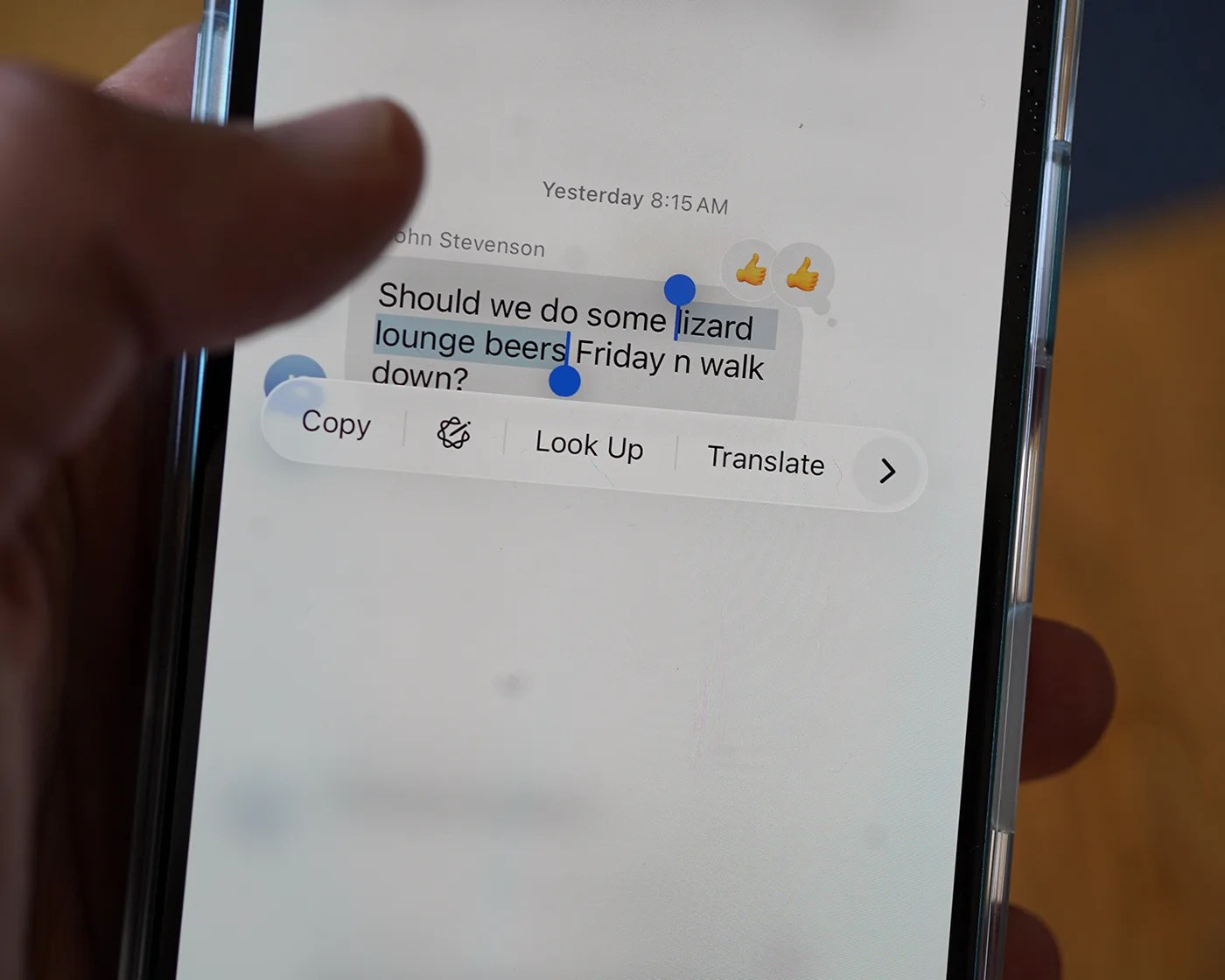
To do this, simply long-press on the iMessage you want to copy from and, just like before, a drop-down menu will appear. Only this time, there’s a new “Select” option.
Once selected, you can then highlight the exact word or phrase you want copied and leave out all the rest. Then just tap “Copy.”
This works across both text messages and iMessages, and promises to be a game-changer for those who wish to copy things like phone numbers, addresses, landmarks, simple words …. or really anything in the confines of a message.